How-to videos. From your first screen to a working app.

Short courses in the order you will need them, recorded in the real App Builder.

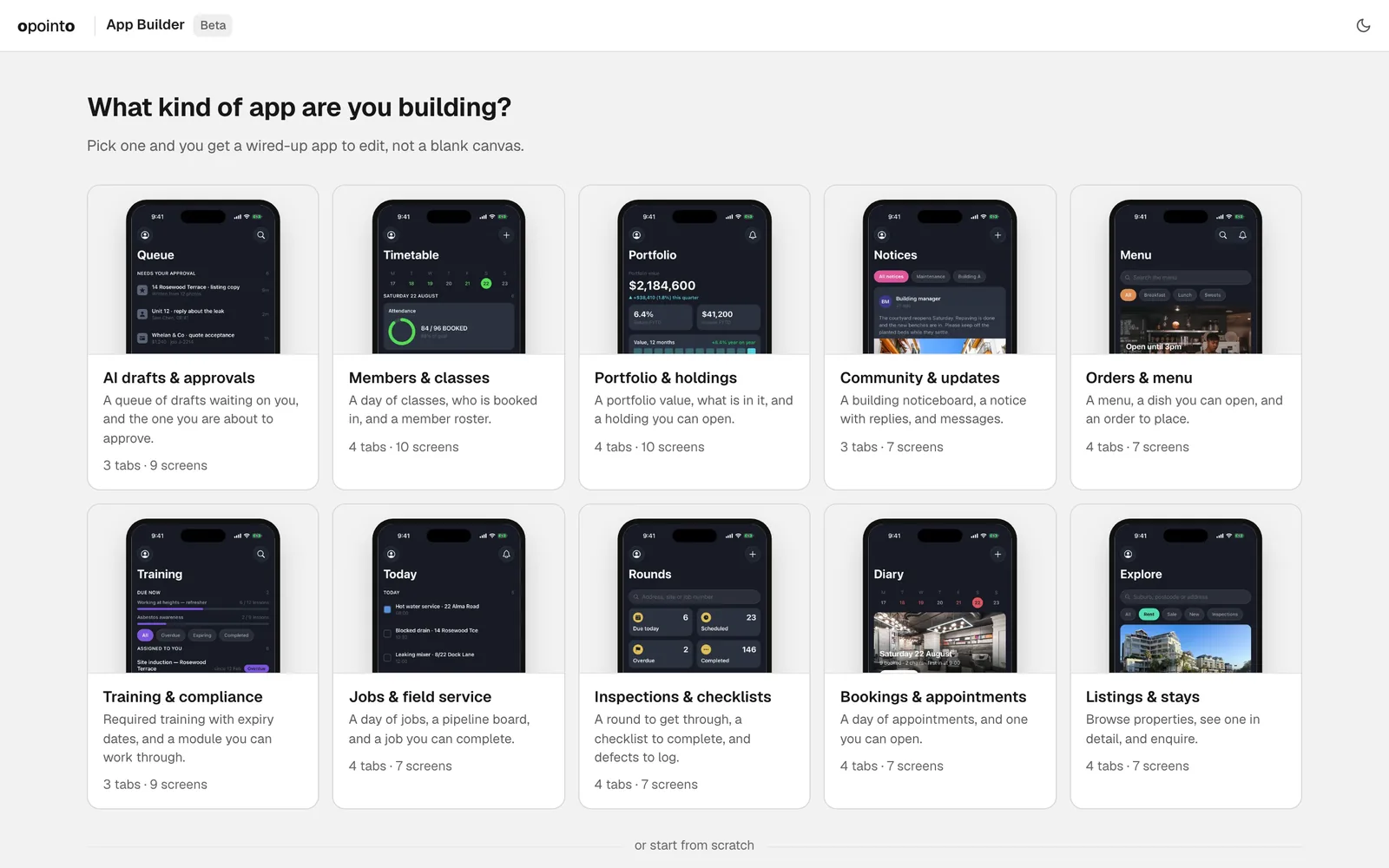
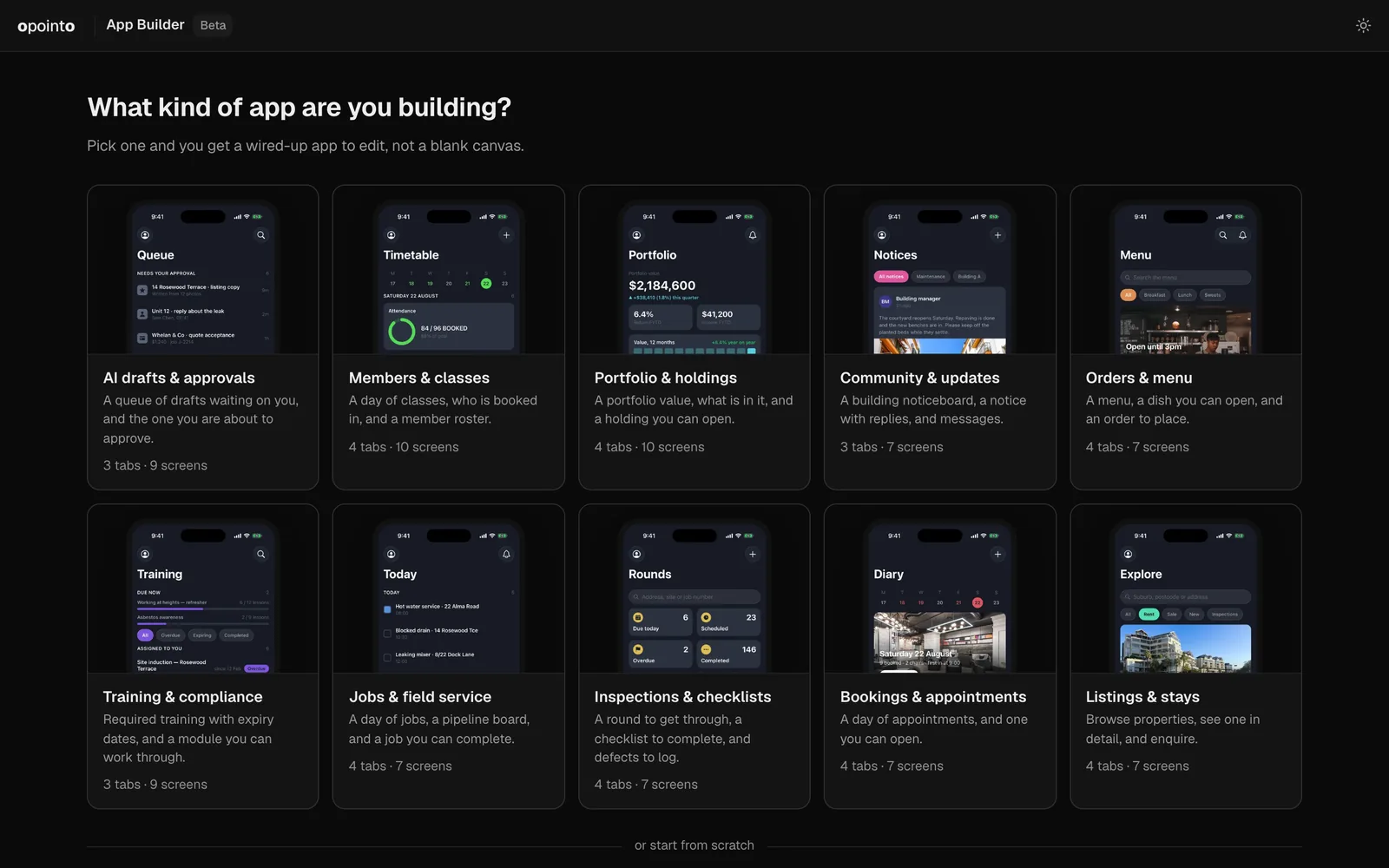
  1. Start your app from a starter

    Beginner, 33 sec. Film, no sound.

    Pick a starter and every screen arrives joined up. Change it, try it, send it to your agent.

    You’ll learn

    • Pick a starter app
    • See every screen and how they connect
    • Change the words on a block
    • Tap through it in Preview
    • Send it to your coding agent
    Watch
  2. Design a screen

    Beginner, 23 sec. 3 clips, no sound.

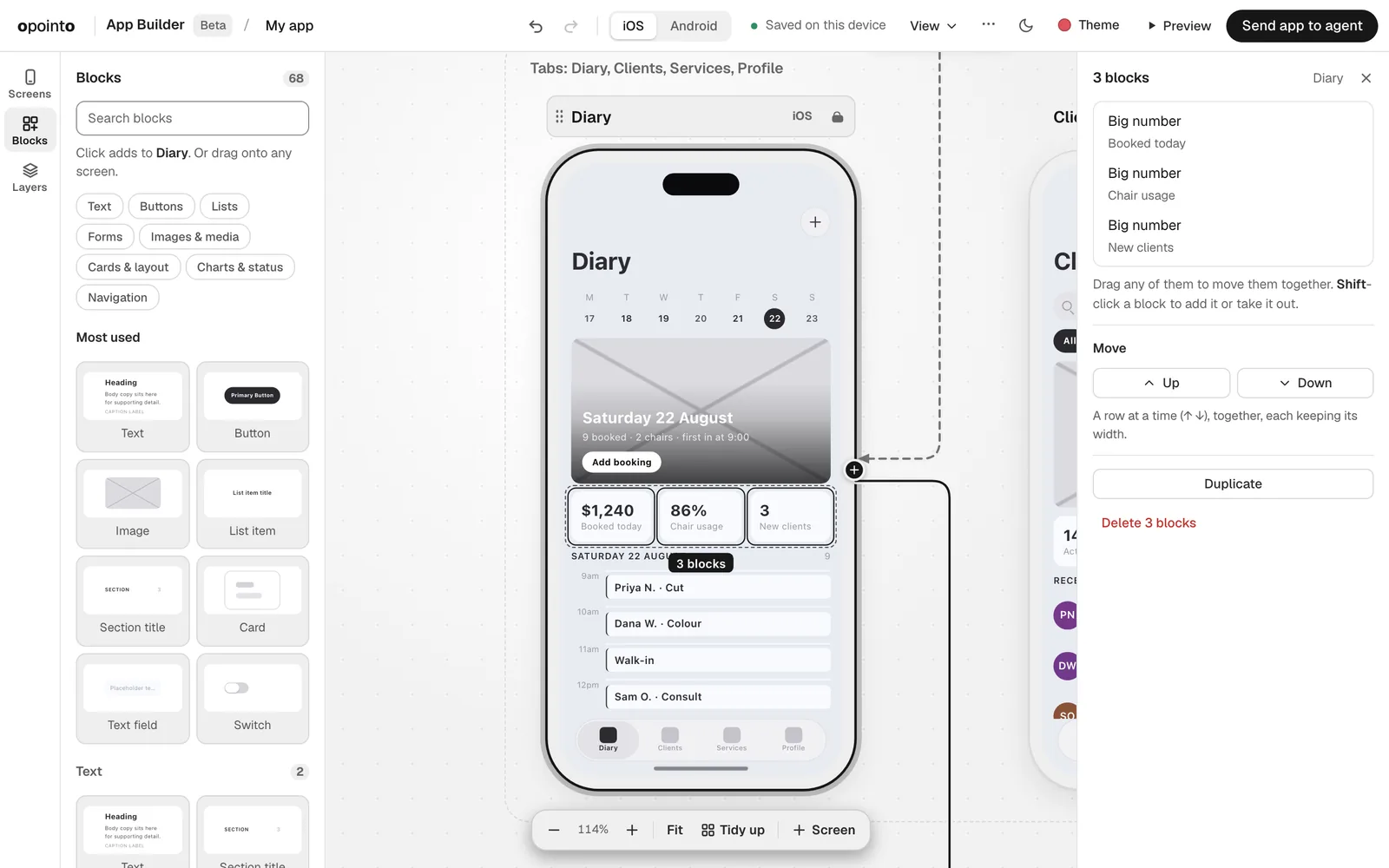
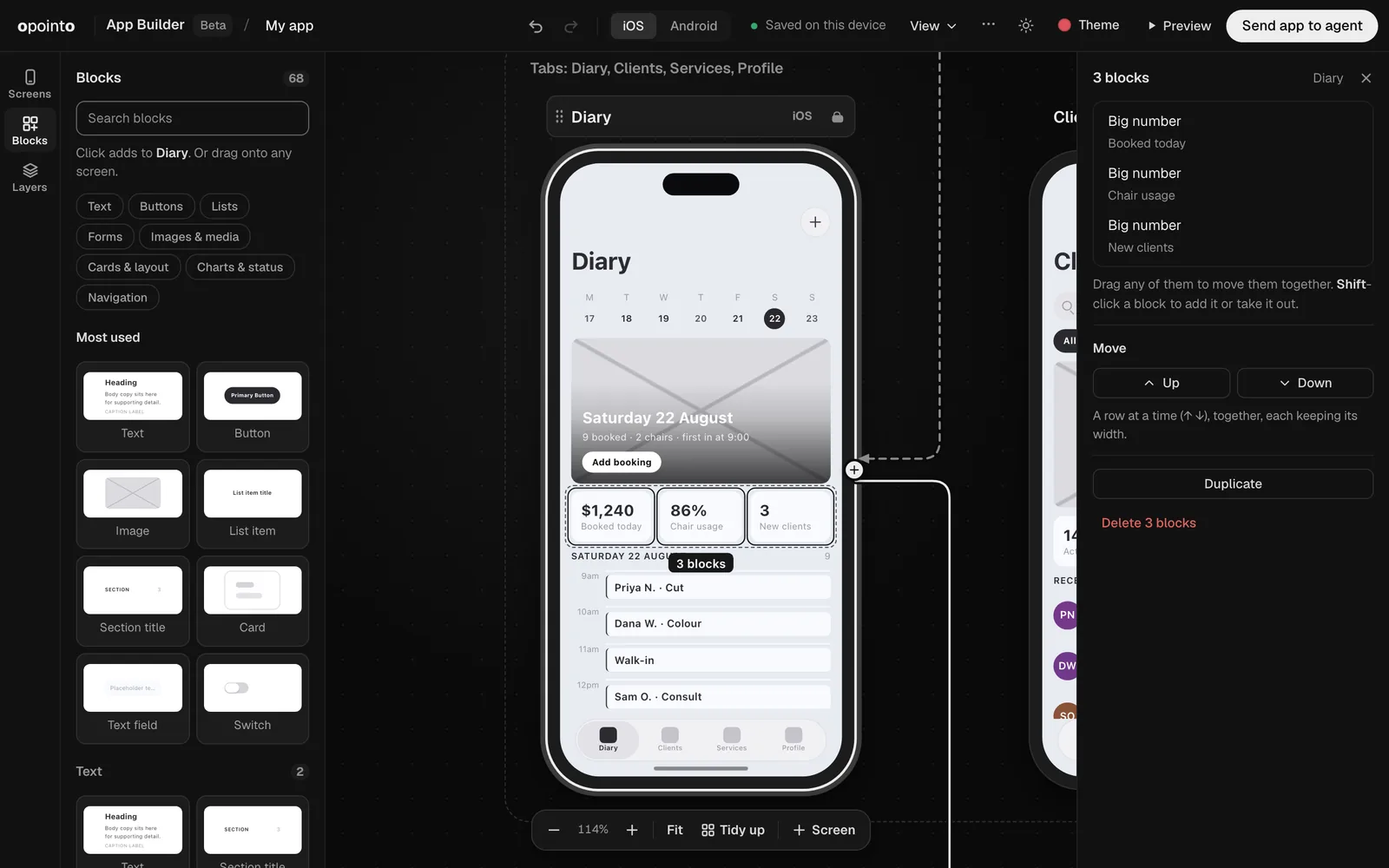
    Drag blocks onto a screen, size them, and move several at once. Free, in your browser.

    You’ll learn

    • Drag a block onto a screen
    • Resize a block by its handle
    • Select several blocks and move them as one
    Watch
  3. Add screens and draw the navigation

    Beginner, 22 sec. 3 clips, no sound.

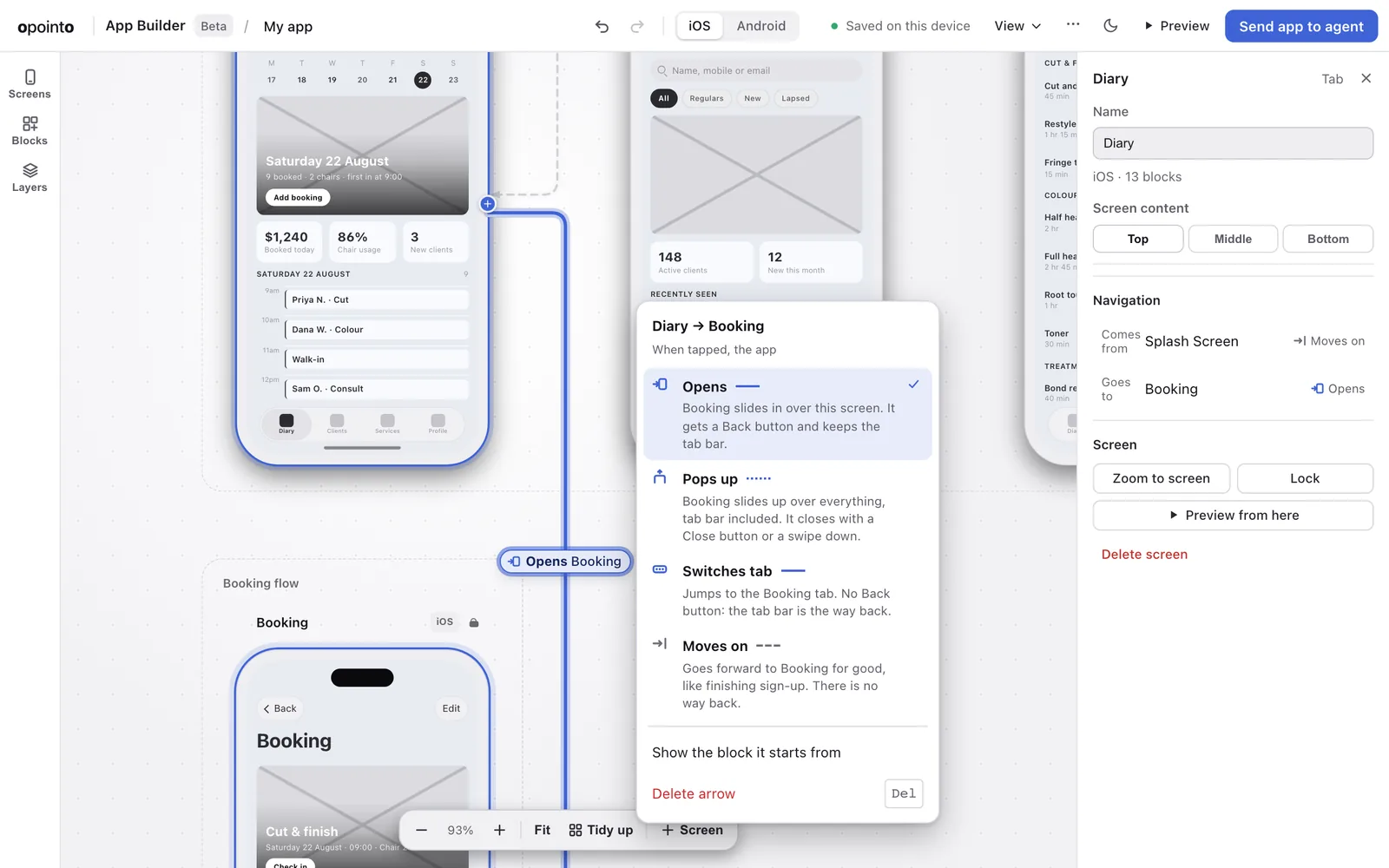
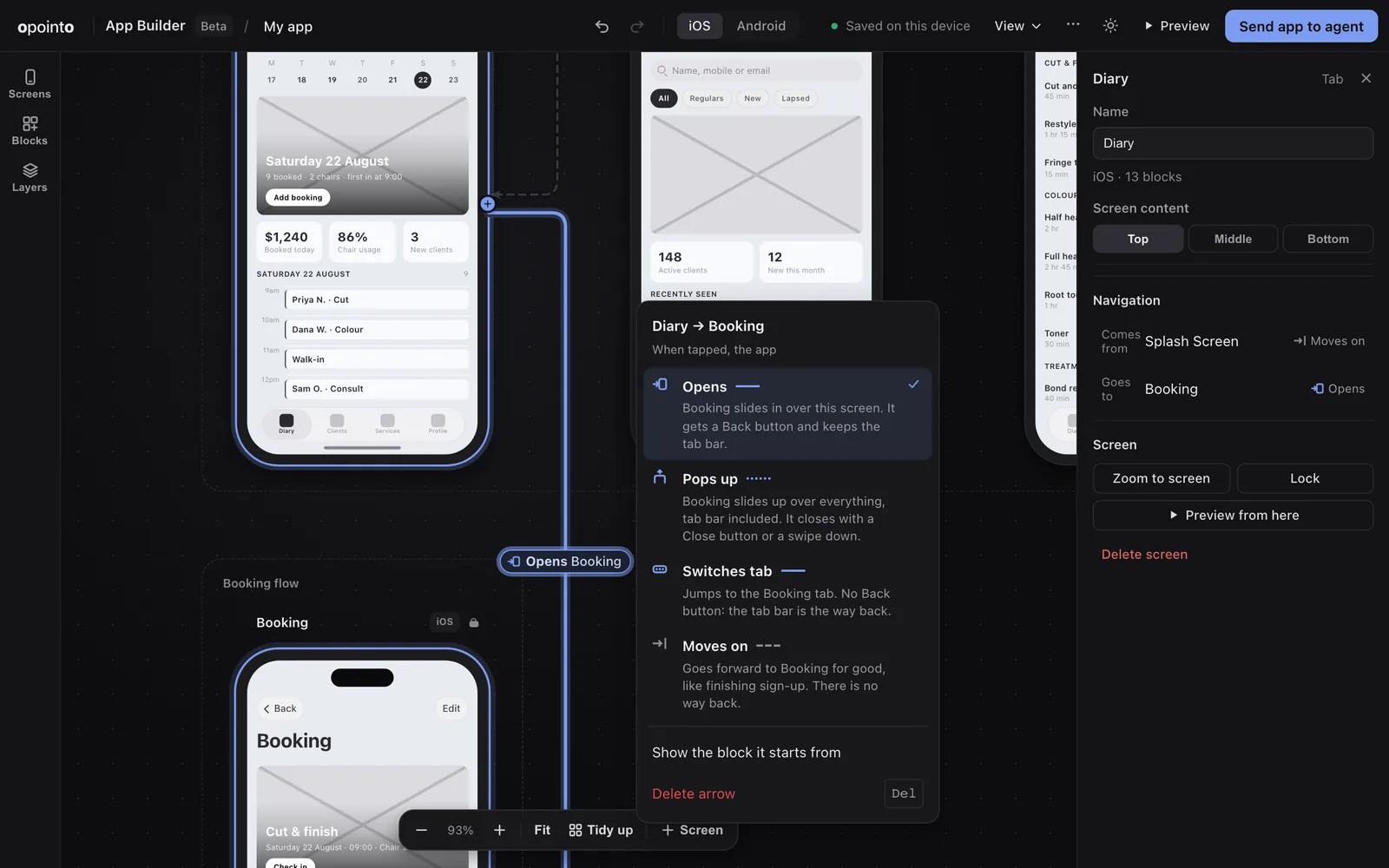
    Arrows between screens become the app's real tabs, screens and pop-ups.

    You’ll learn

    • Draw an arrow from a block to a screen
    • Make the next screen with one arrow
    • Tidy up the canvas
    Watch
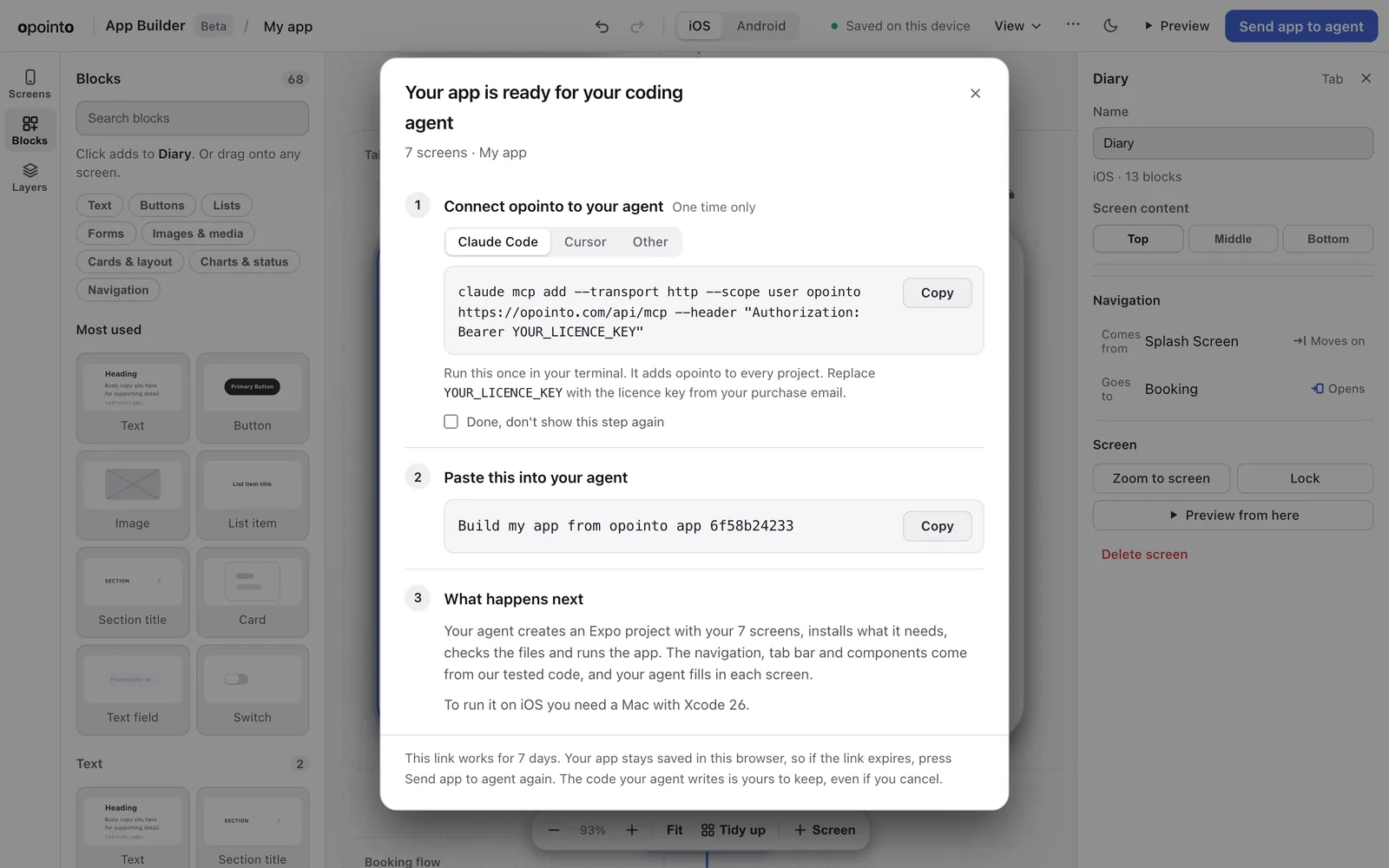
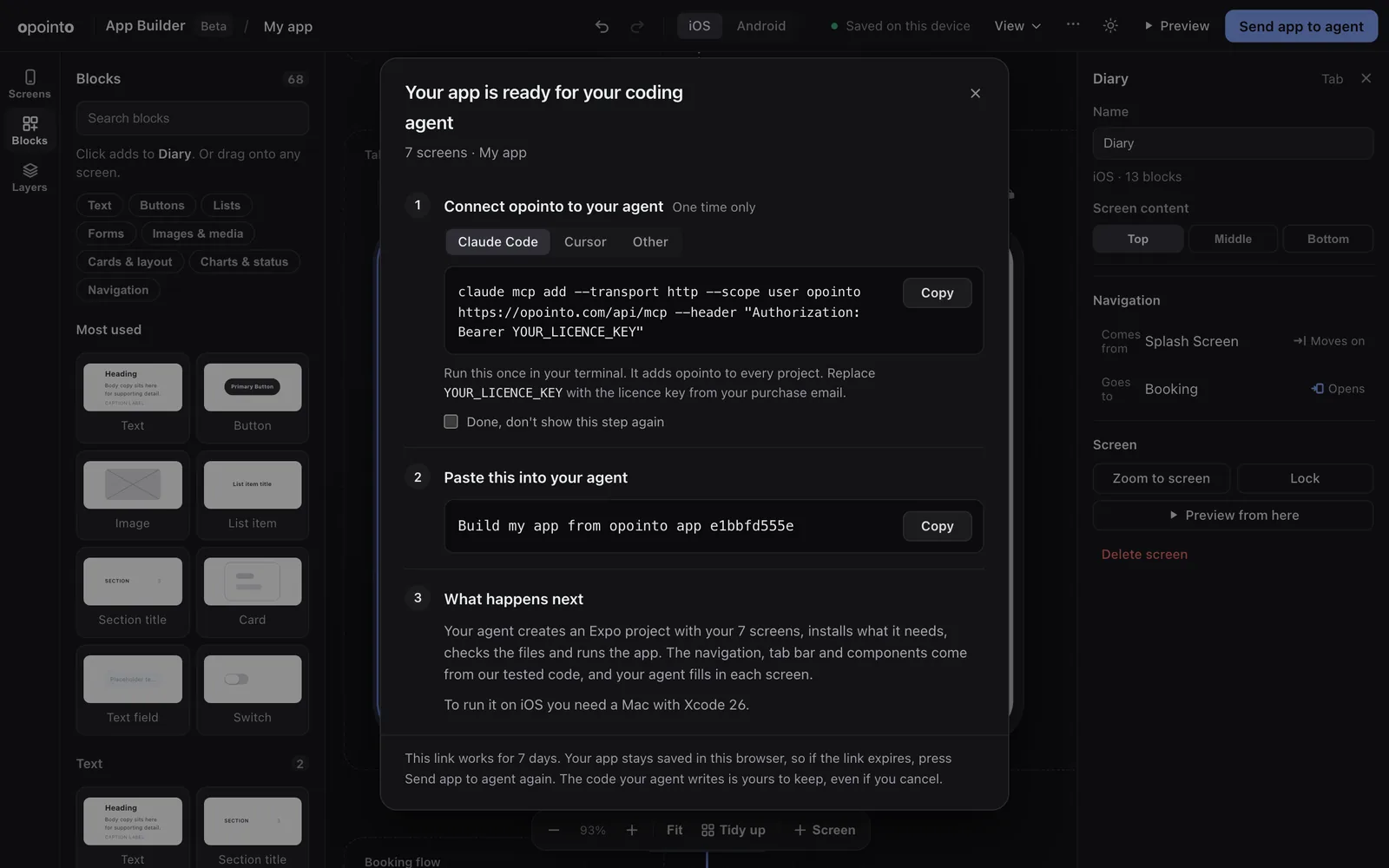
  4. Send your app to your coding agent

    Intermediate, 20 sec. 2 clips, no sound.

    Get one line to paste into your agent, and see the app it builds for iOS and Android.

    You’ll learn

    • Get the line to paste into your agent
    • See the app it builds, on iOS and Android
    Watch
  5. Rather read? Every step is in the docs.

    Designing is free and needs only a browser. Try each step as you watch.