Clubs & teams
Community & updates
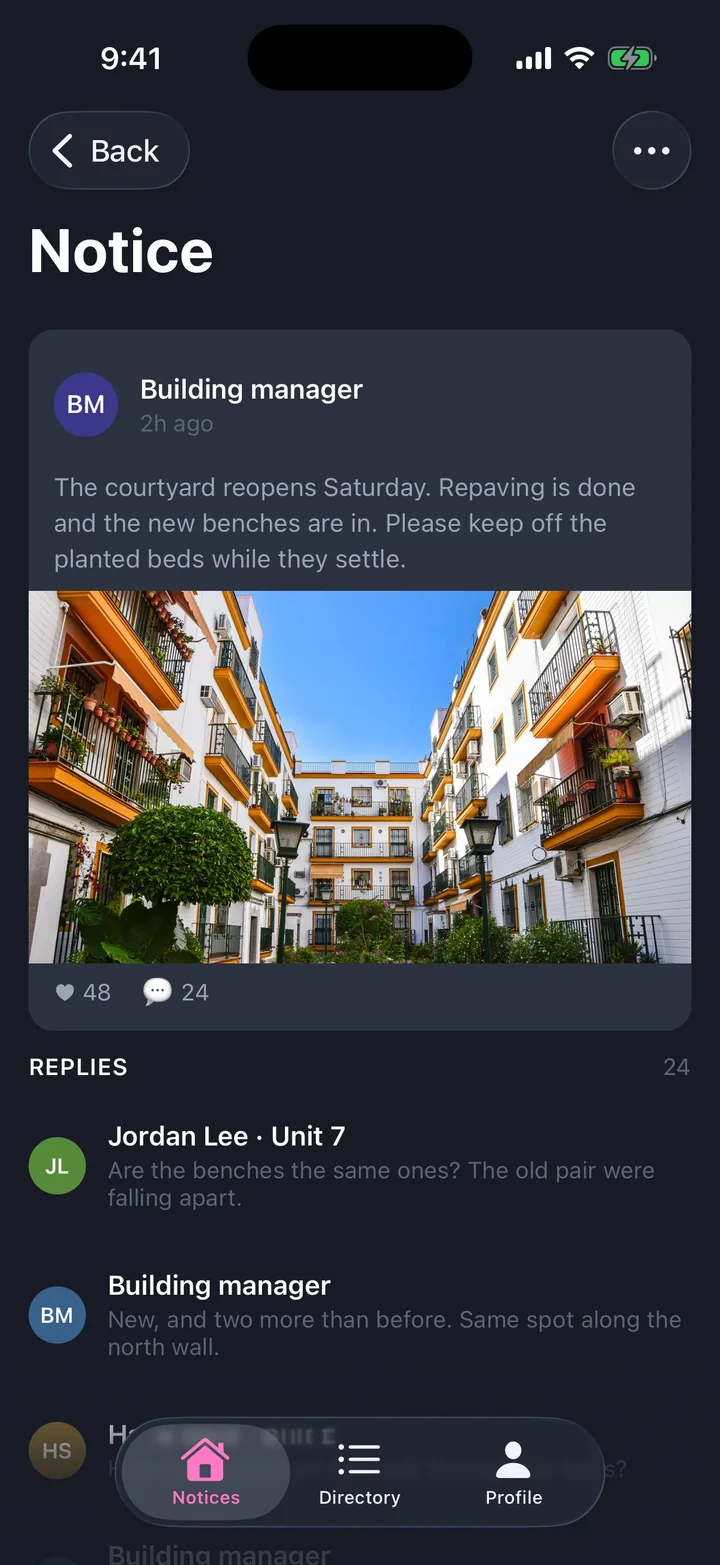
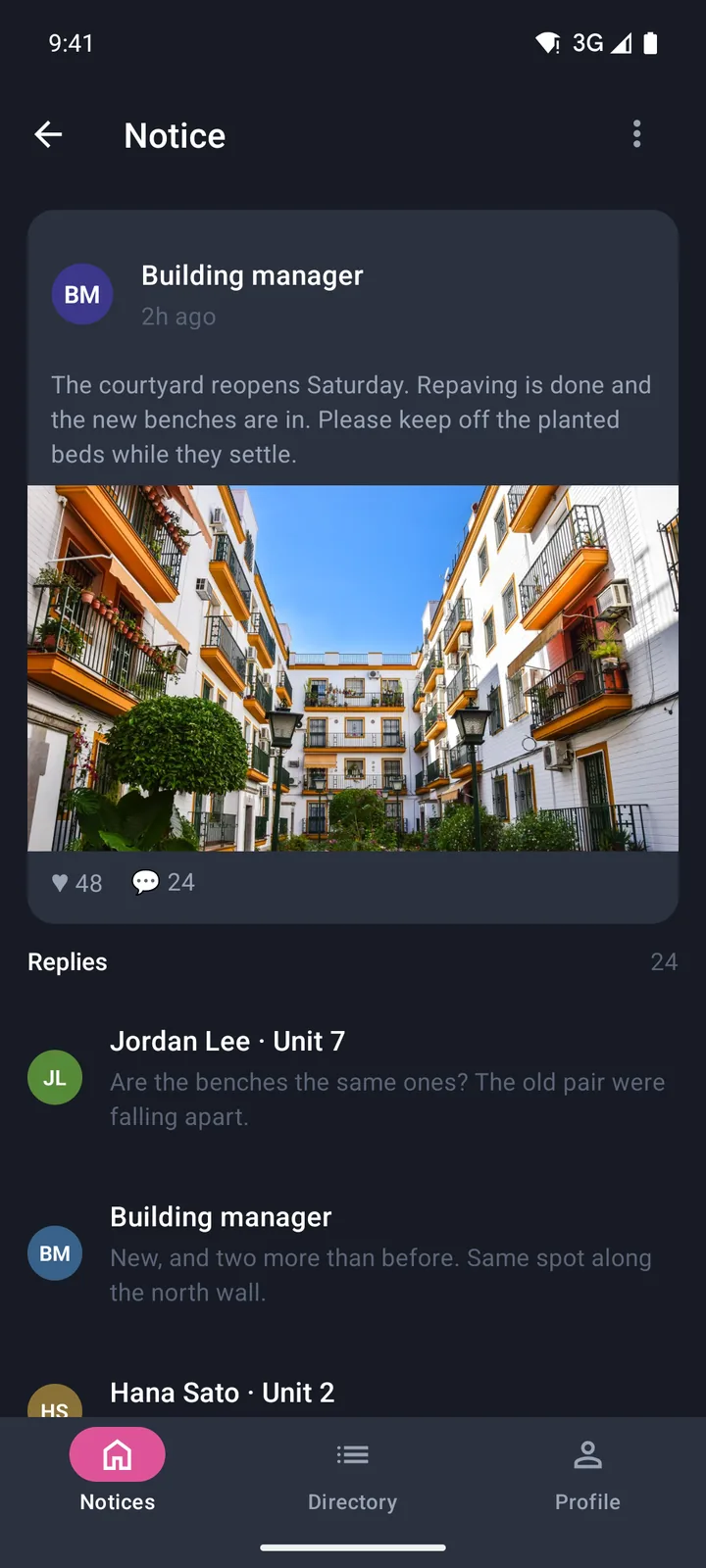
A building noticeboard, a notice with replies, and messages.
- Tabs
- Notices, Directory, Profile
- Screens
- 7, including a splash screen
- Platforms
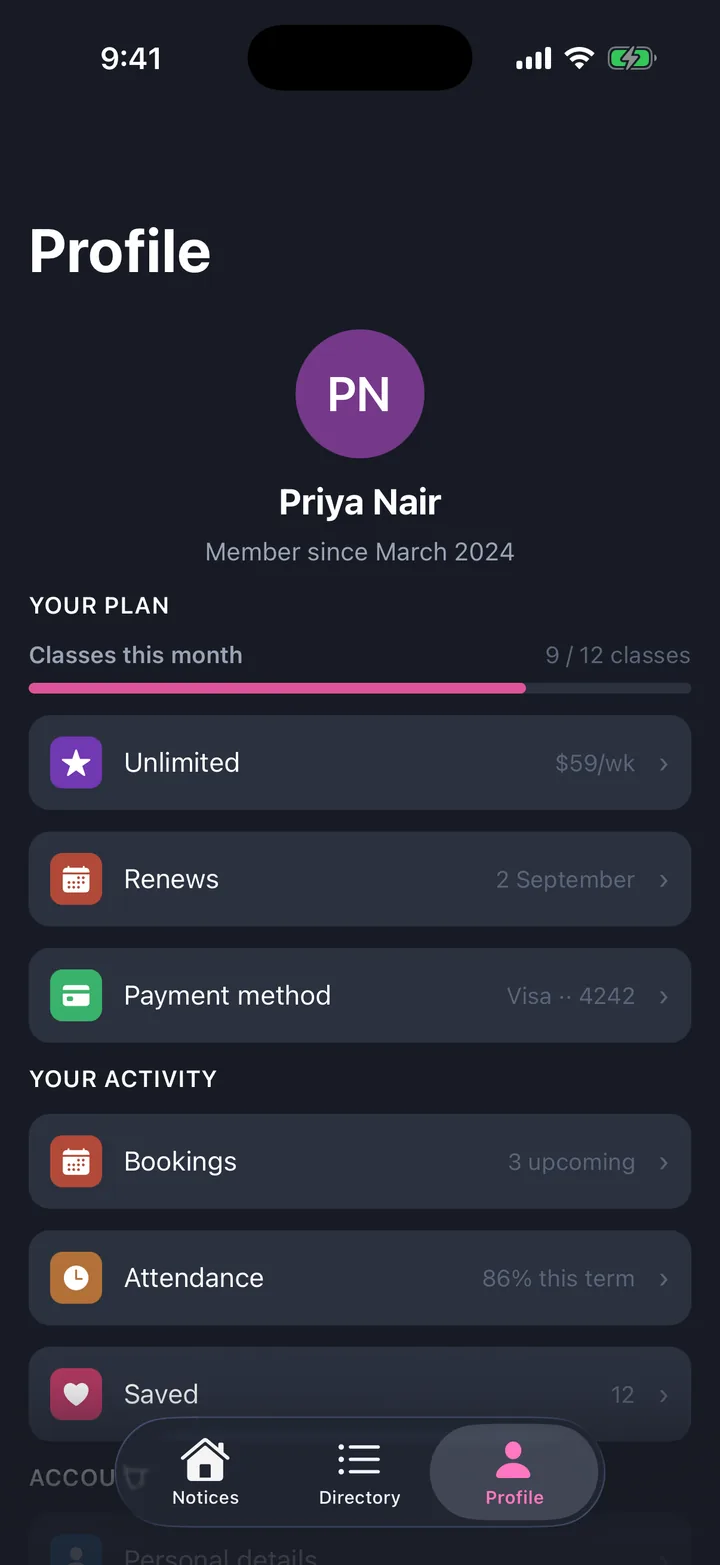
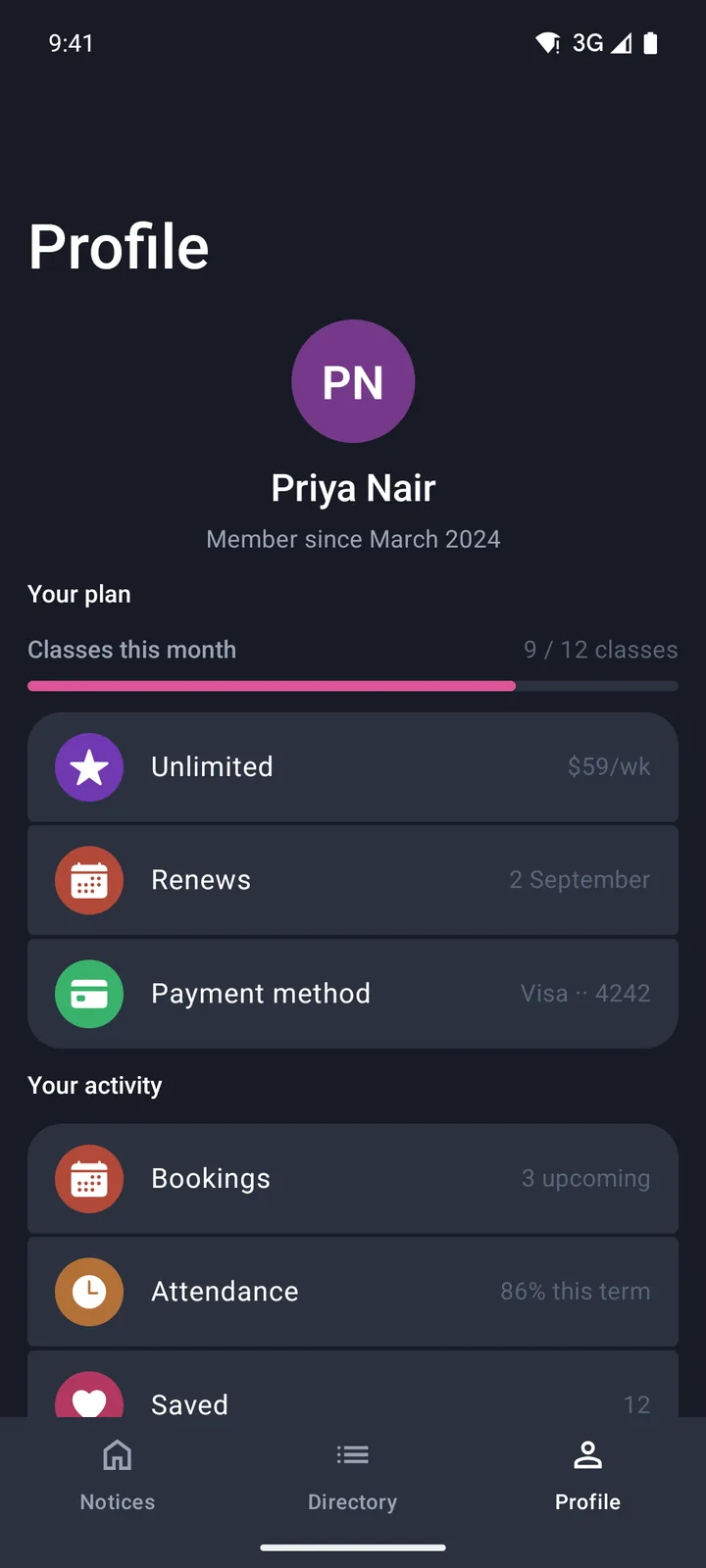
- iOS 26 with Liquid Glass, Android with Material 3 Expressive
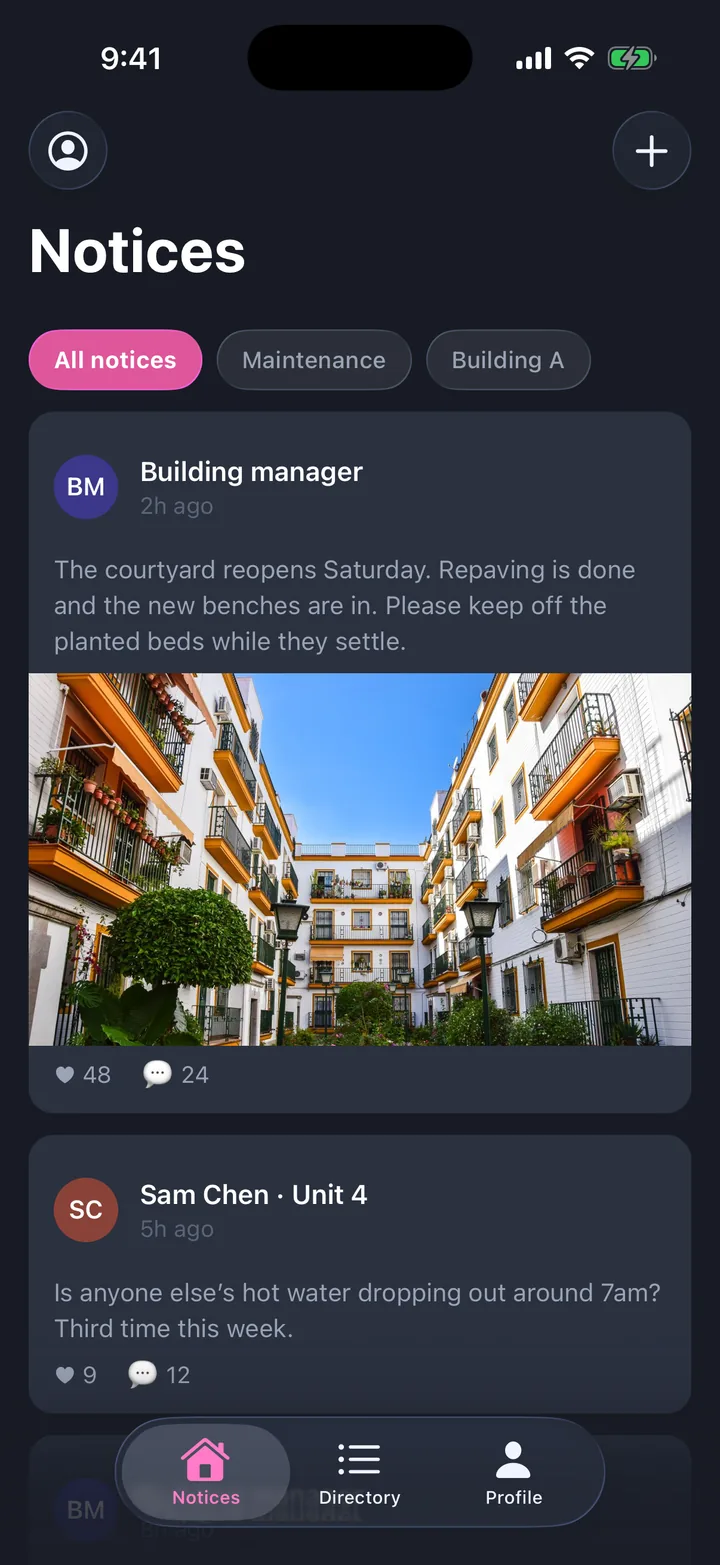
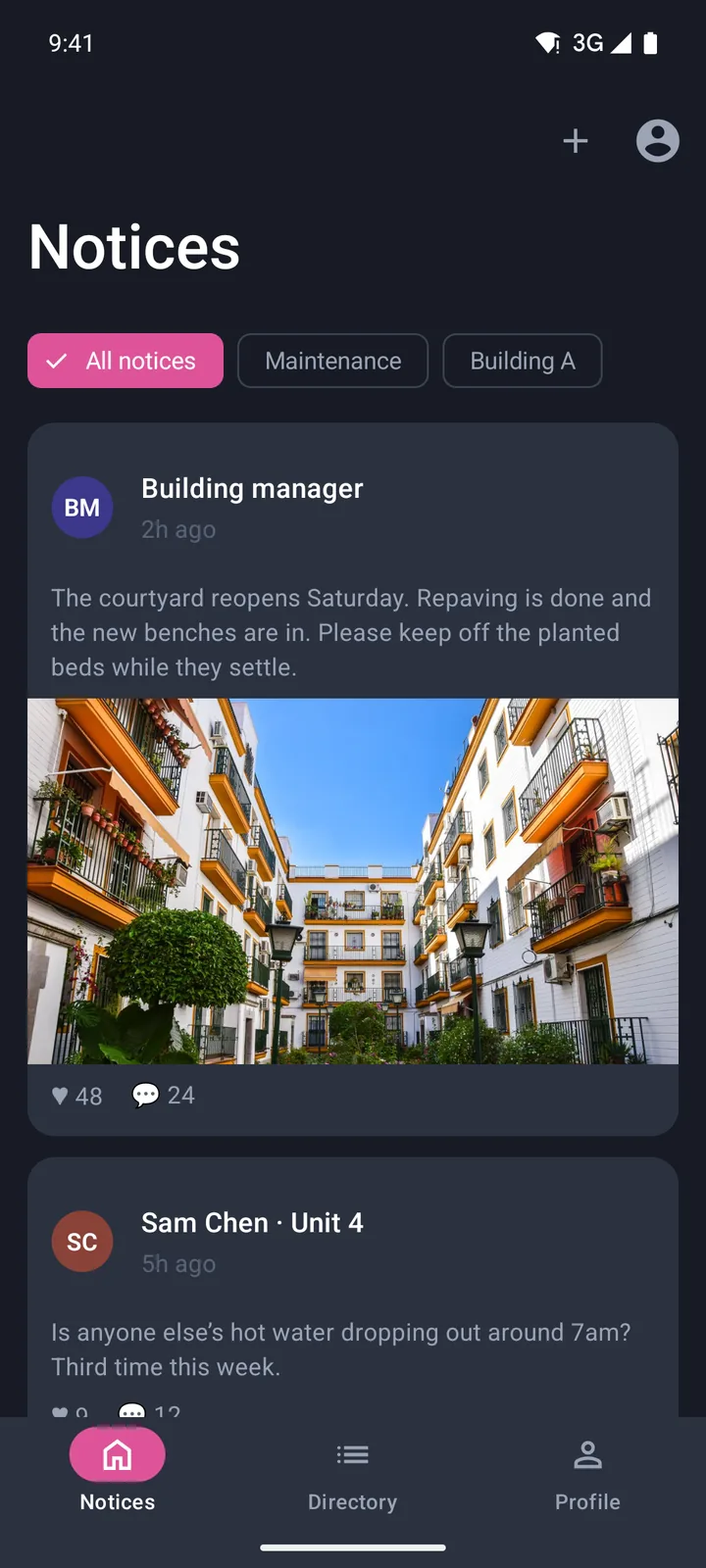
Every screen
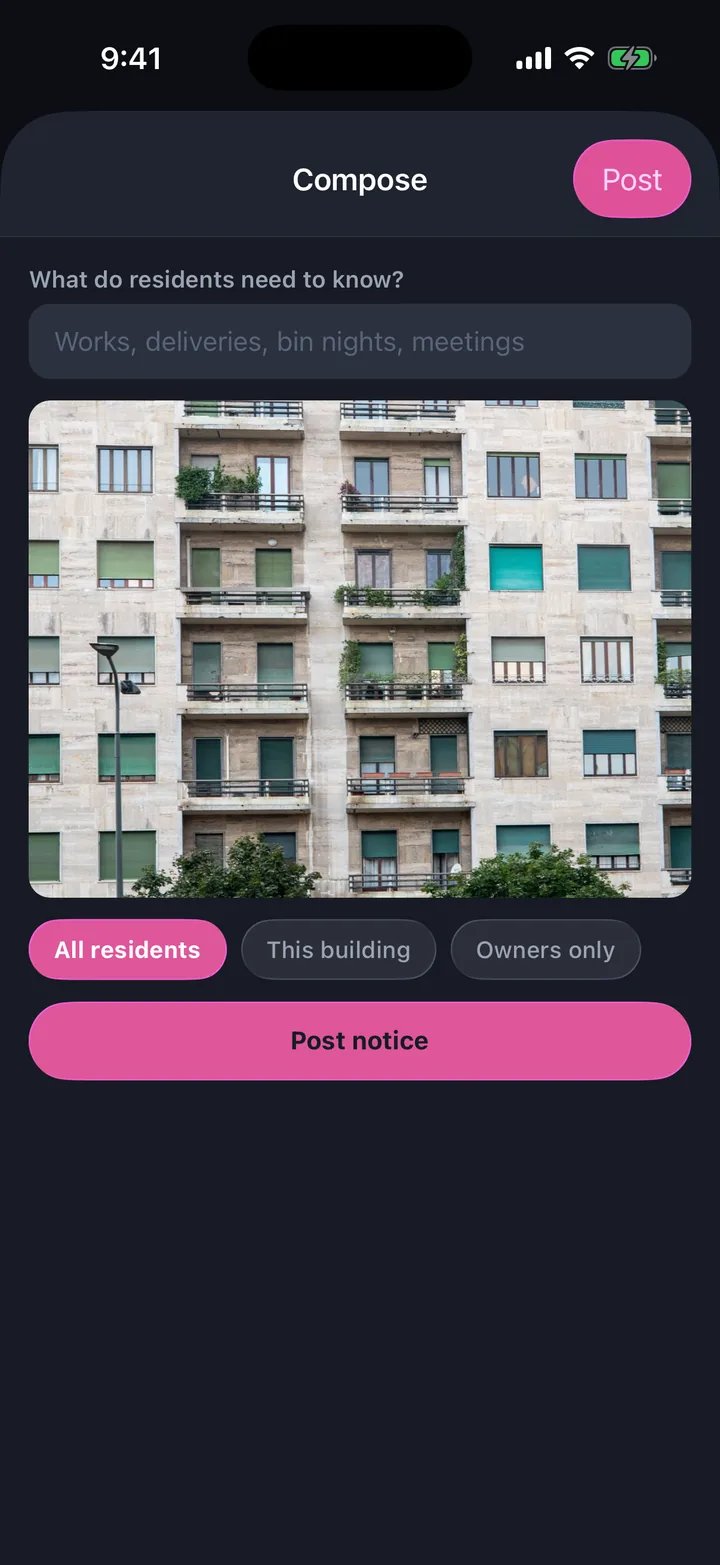
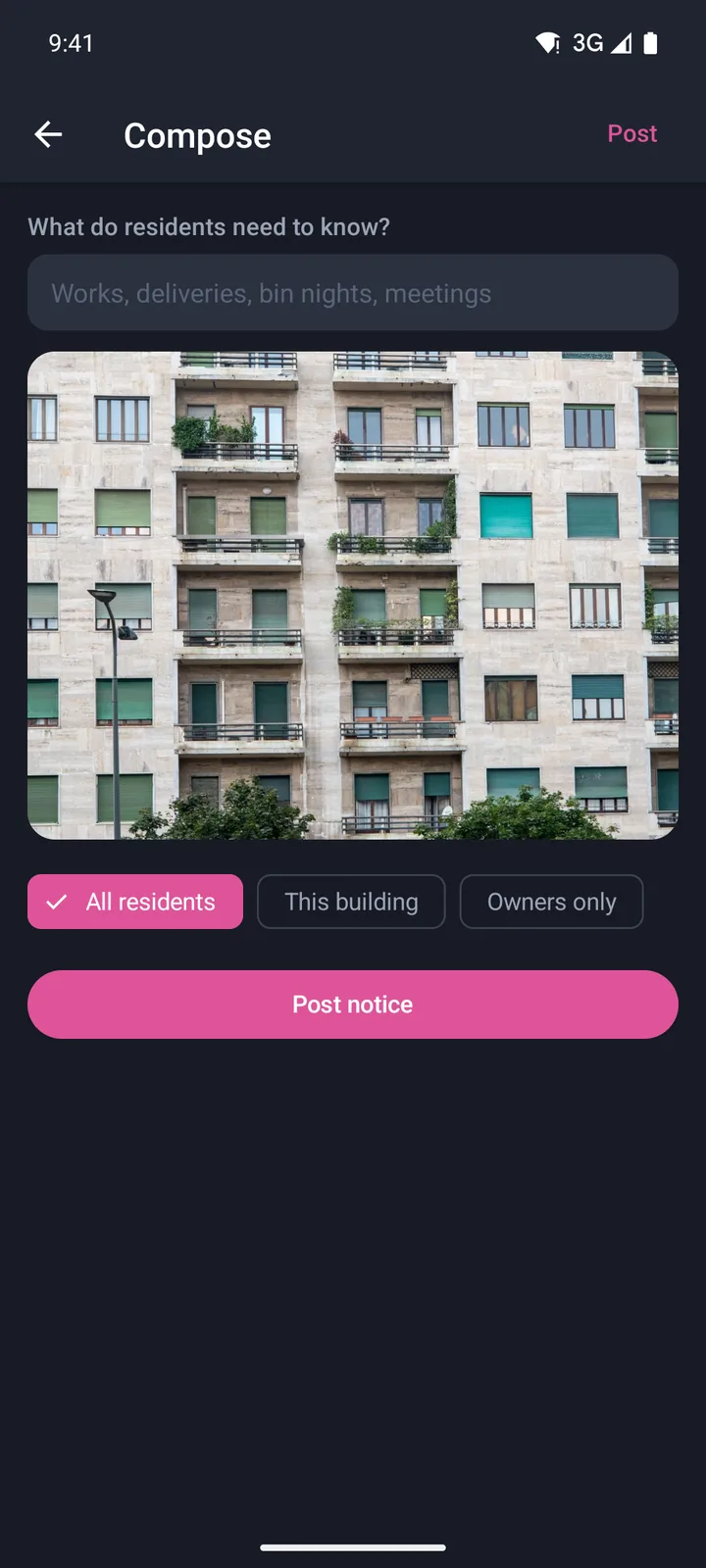
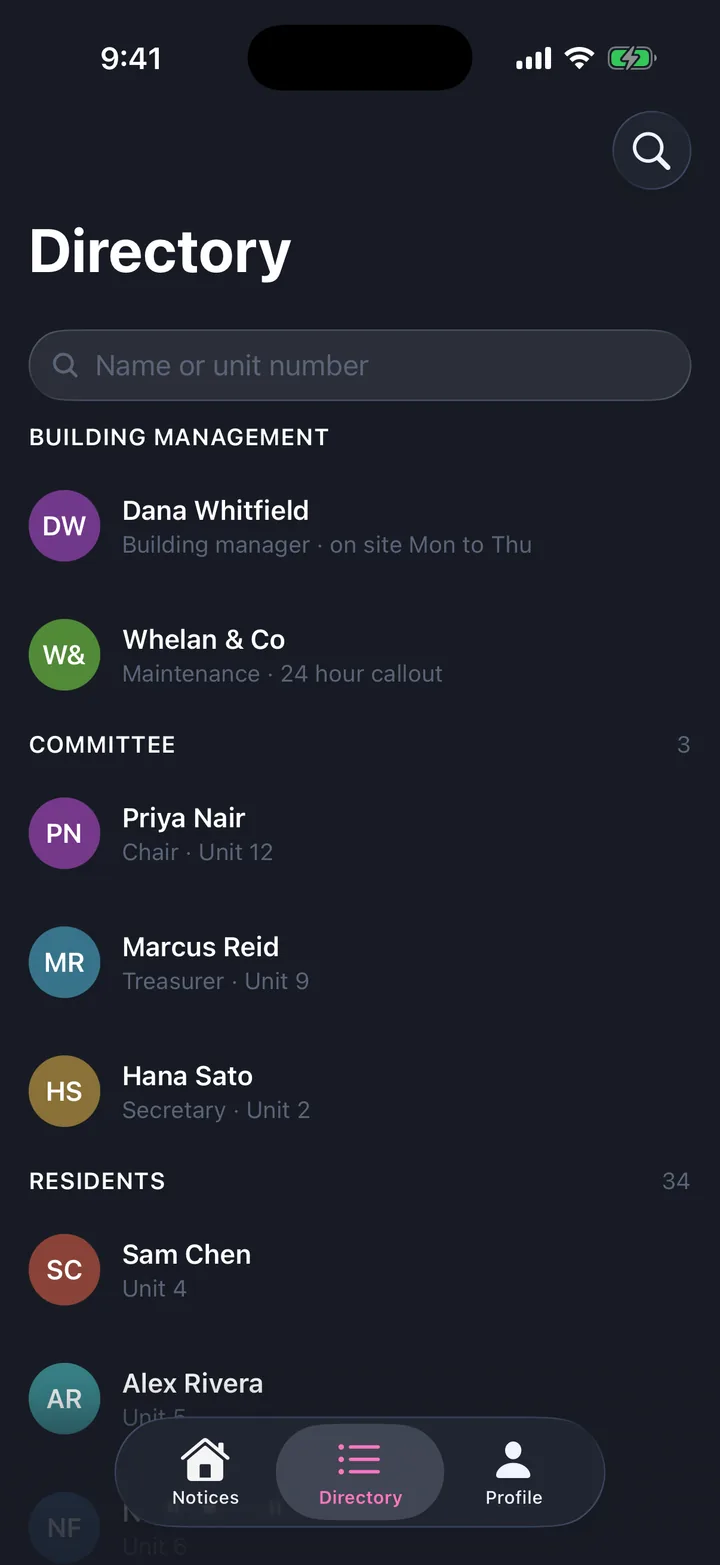
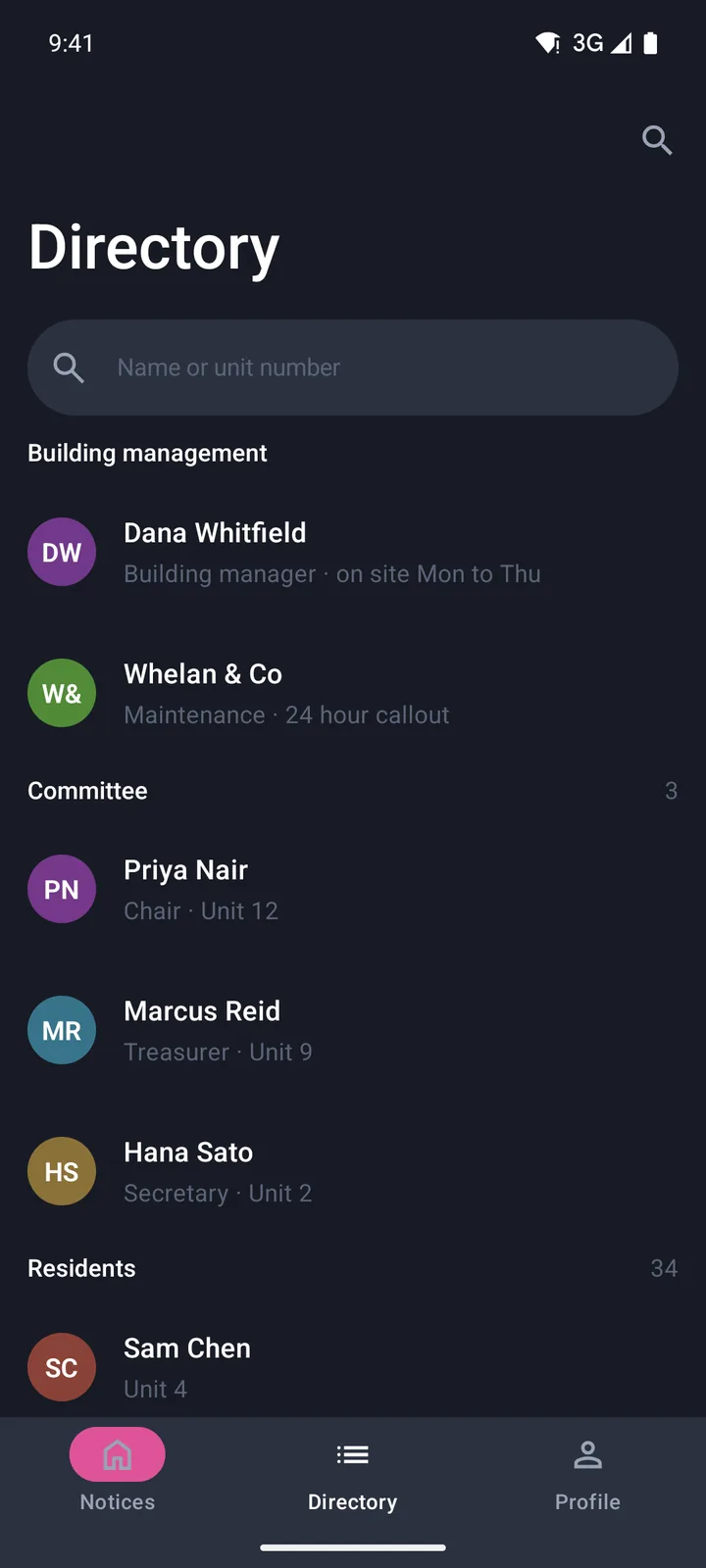
Captured running, on iOS and on Android.
The five screens with a recording, in the order you reach them: each tab, then the screens it opens. iOS 26 on the left, Android on the right, both the generated app running on a simulator rather than a mock-up.
Make it yours
Change anything, then send it to your agent.
- 01
Open it in the App Builder
The starter opens with its tabs, screens and arrows already drawn. No account needed.
- 02
Edit the words, photos and theme
Drag in blocks, remove screens, draw new arrows. The preview shows iOS and Android.
- 03
Send it to your coding agent
It builds one Expo project for both platforms. You need a Mac with Xcode 26 to build the iOS app. Android needs only the Android SDK.