Example app

Laneways

A city guide: a map of spots with hours, directions, saved places and check-ins.

Free, with a Google or GitHub sign-in. It opens in the Designer as a new design of your own.

  • Kind: Listings
  • Background: Paper, shown here in light first
  • Screens: 6, in four tabs
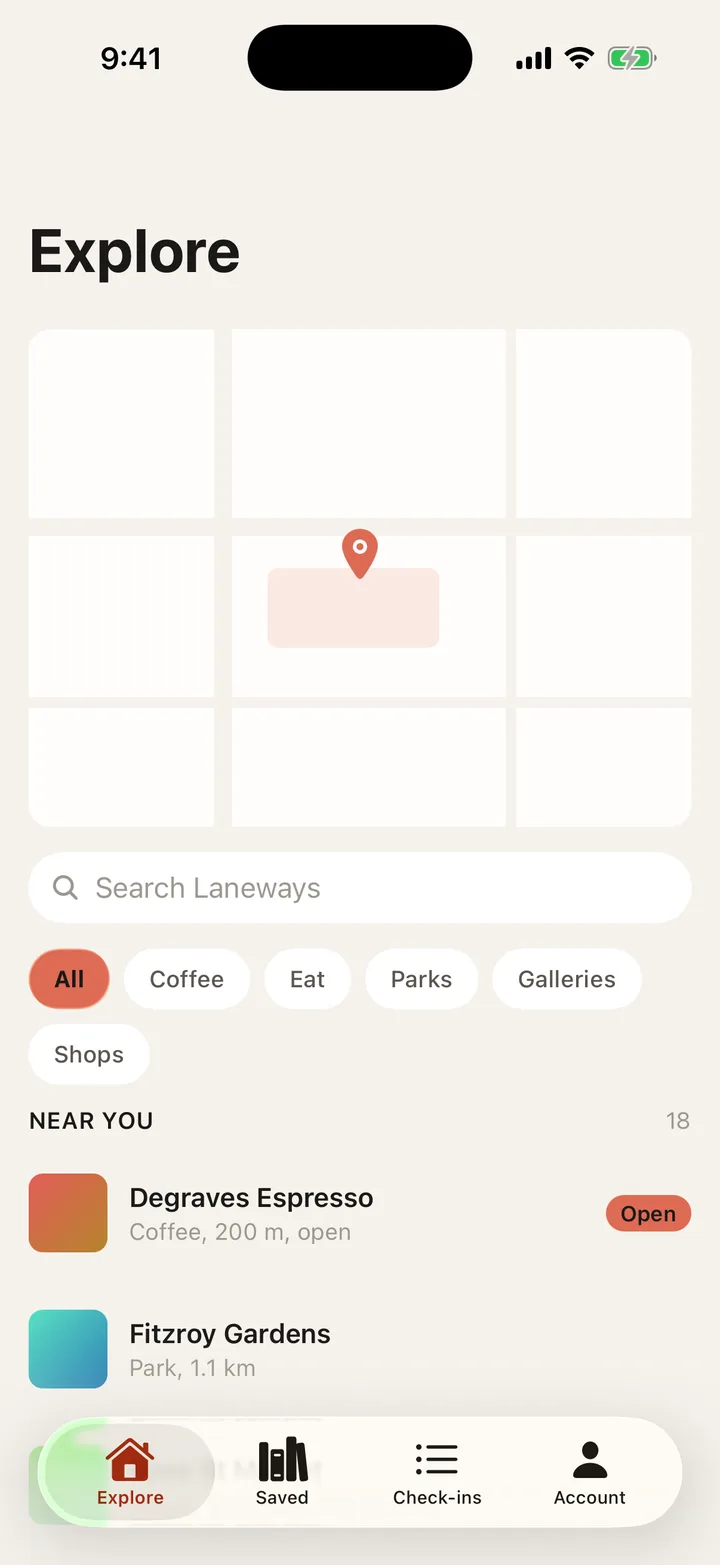
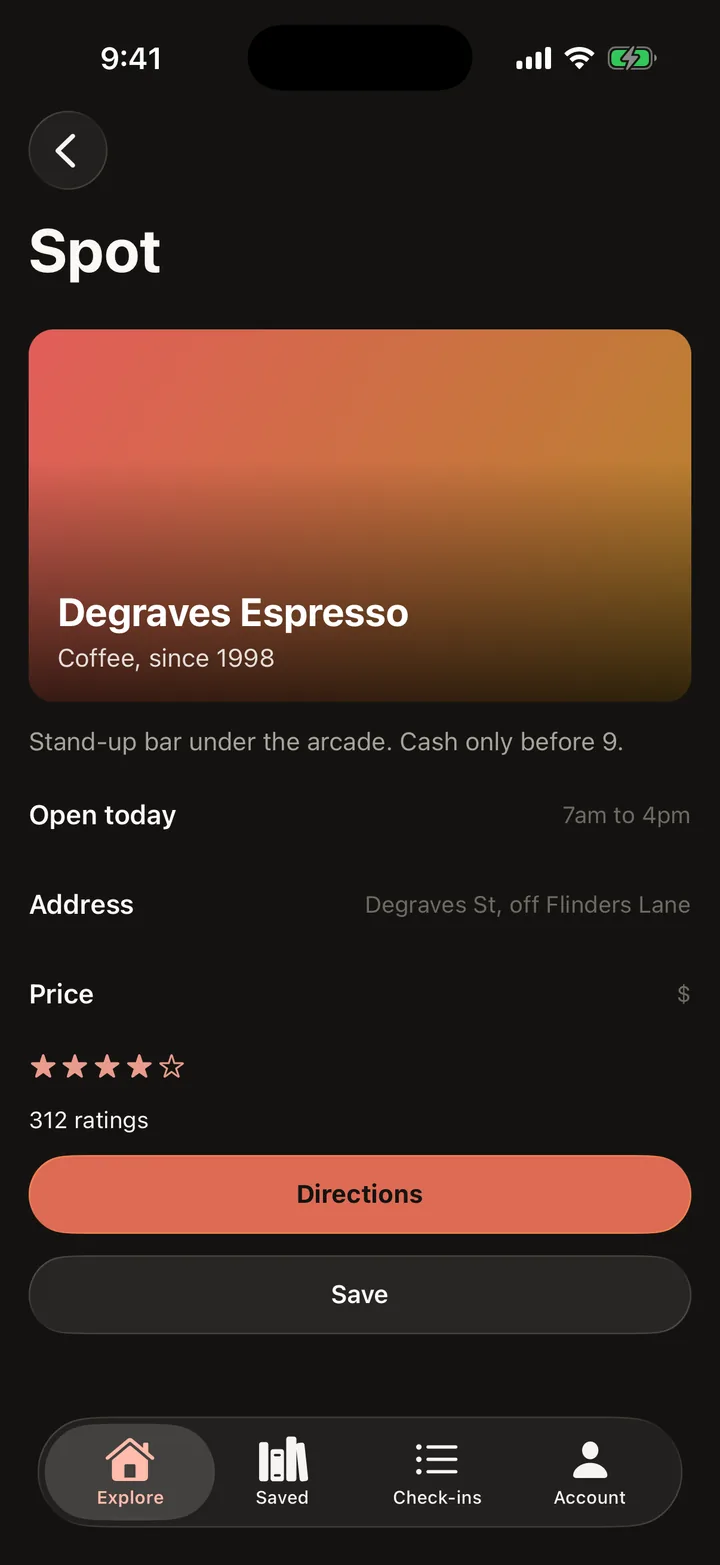
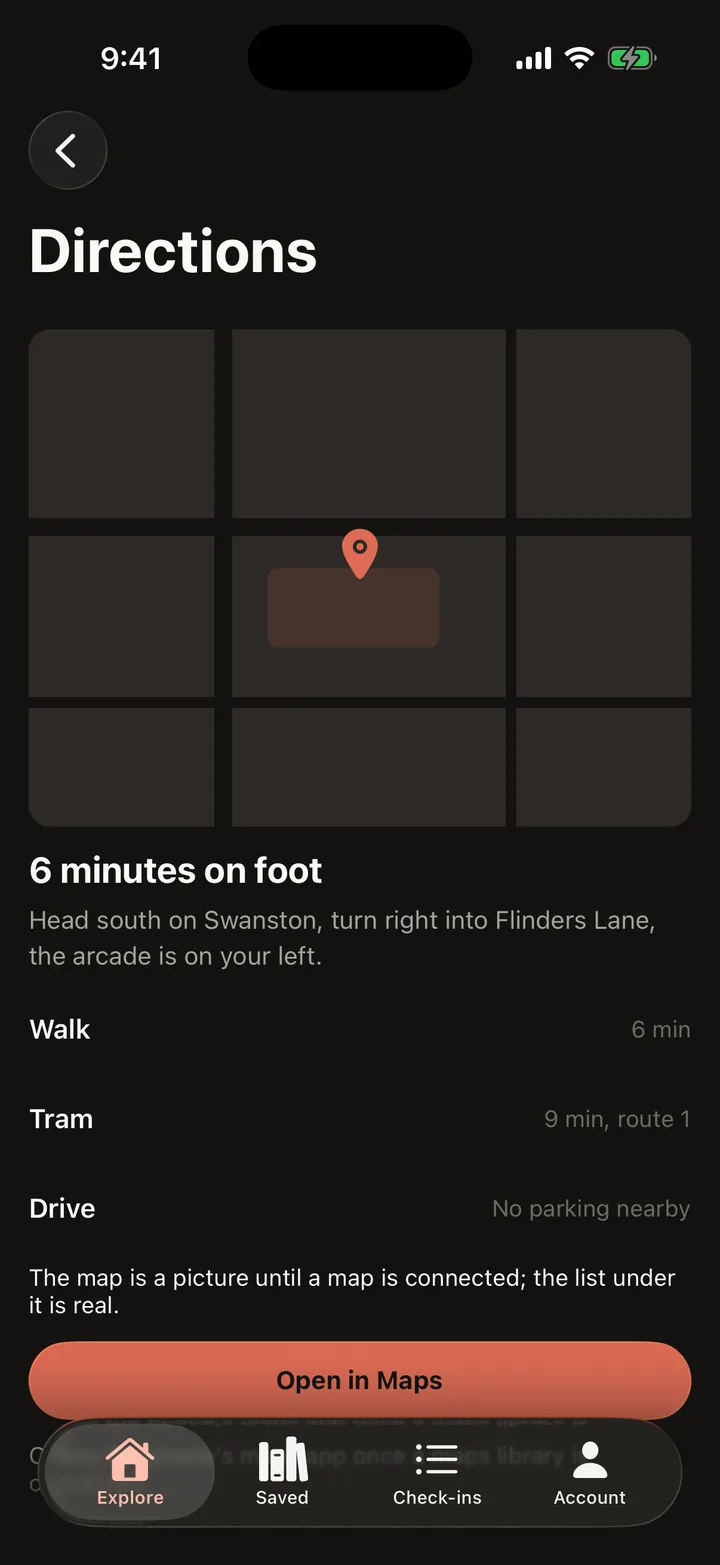
Laneways: Explore on iOS
iOS
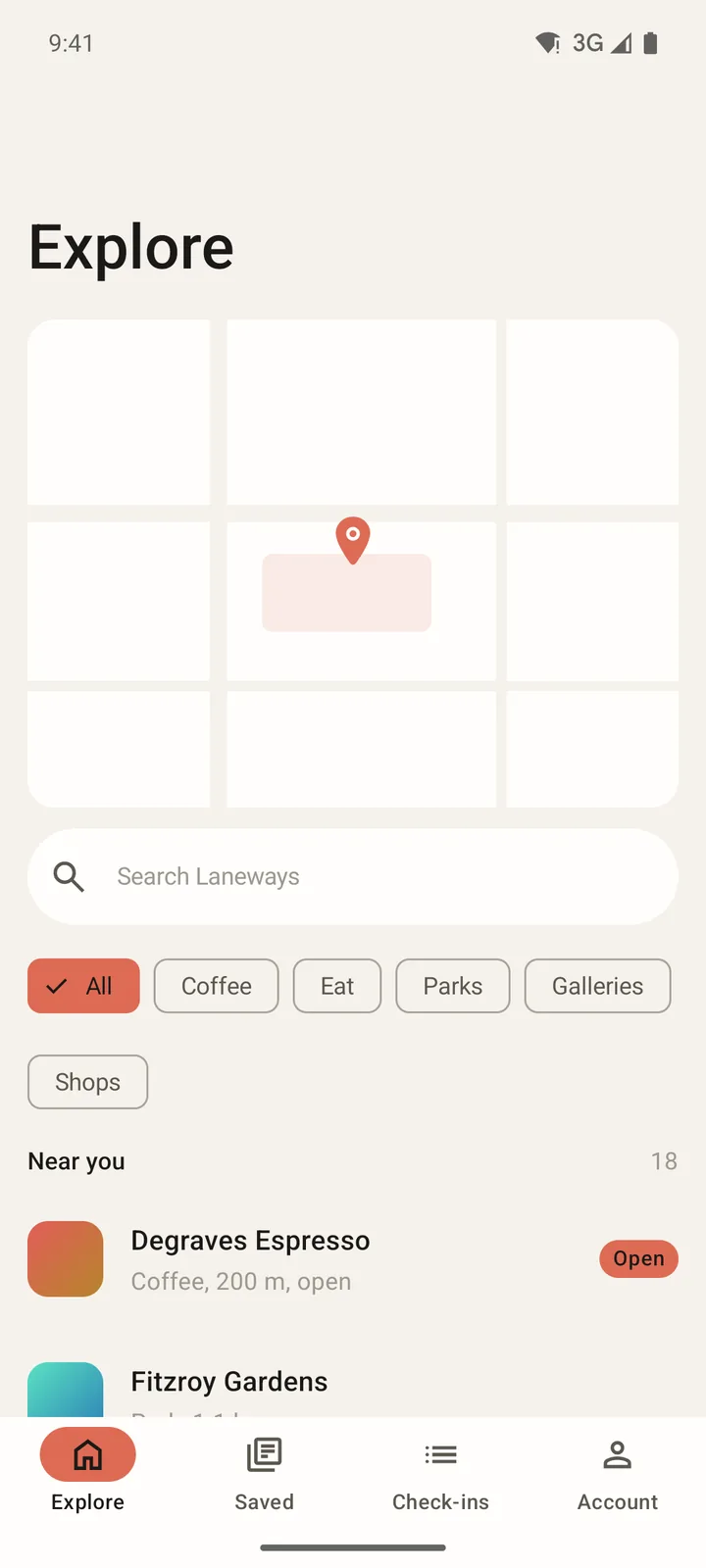
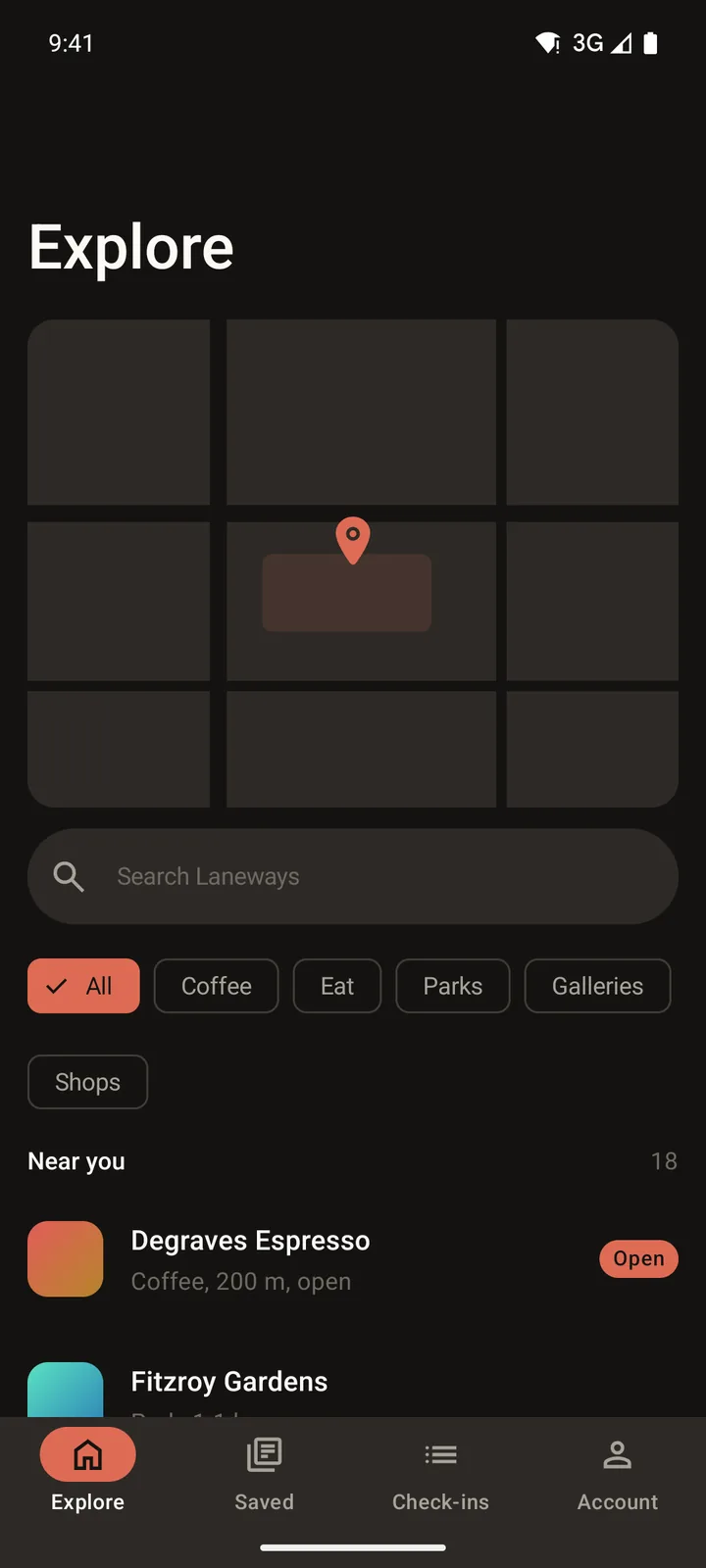
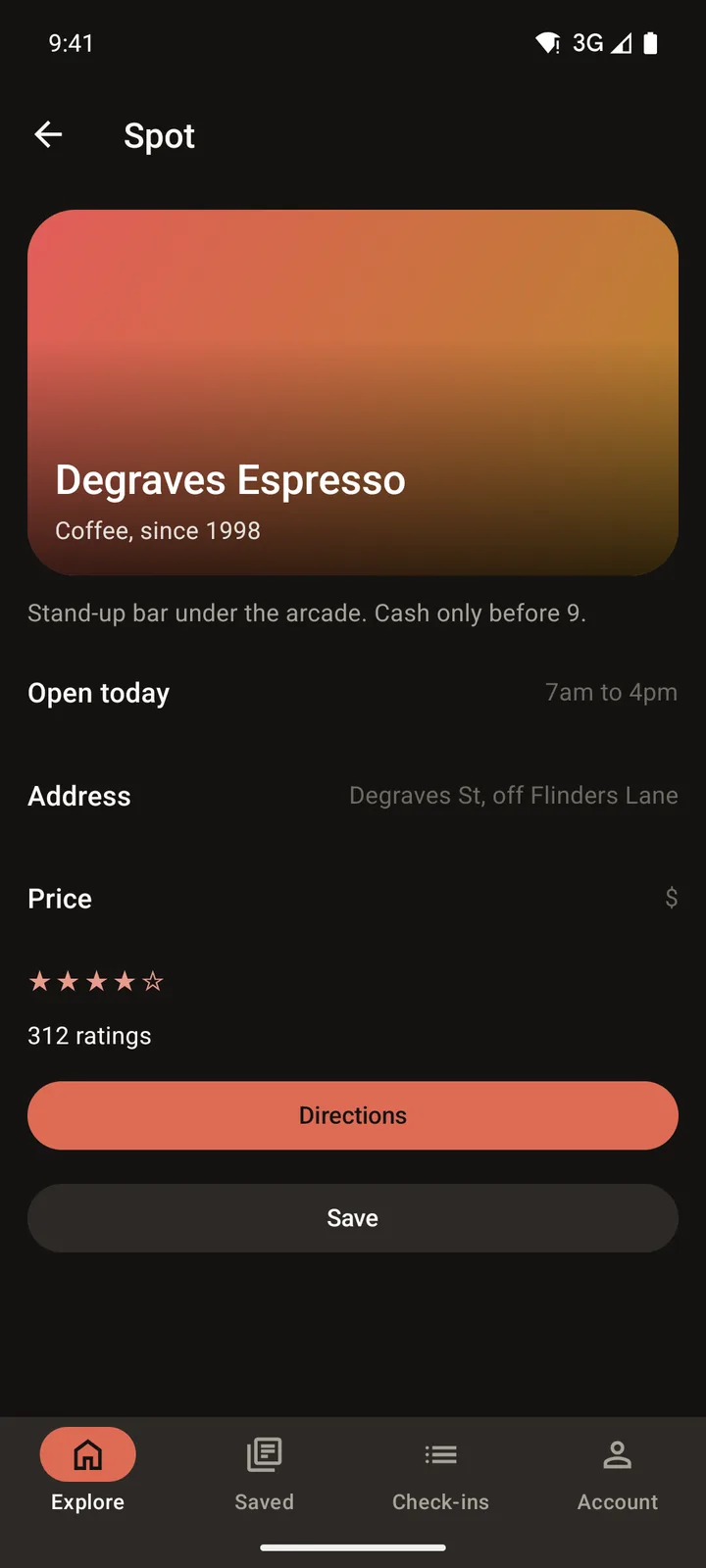
Laneways: Explore on Android
Android

Every screen

Captured running, on both phones, in dark and light.

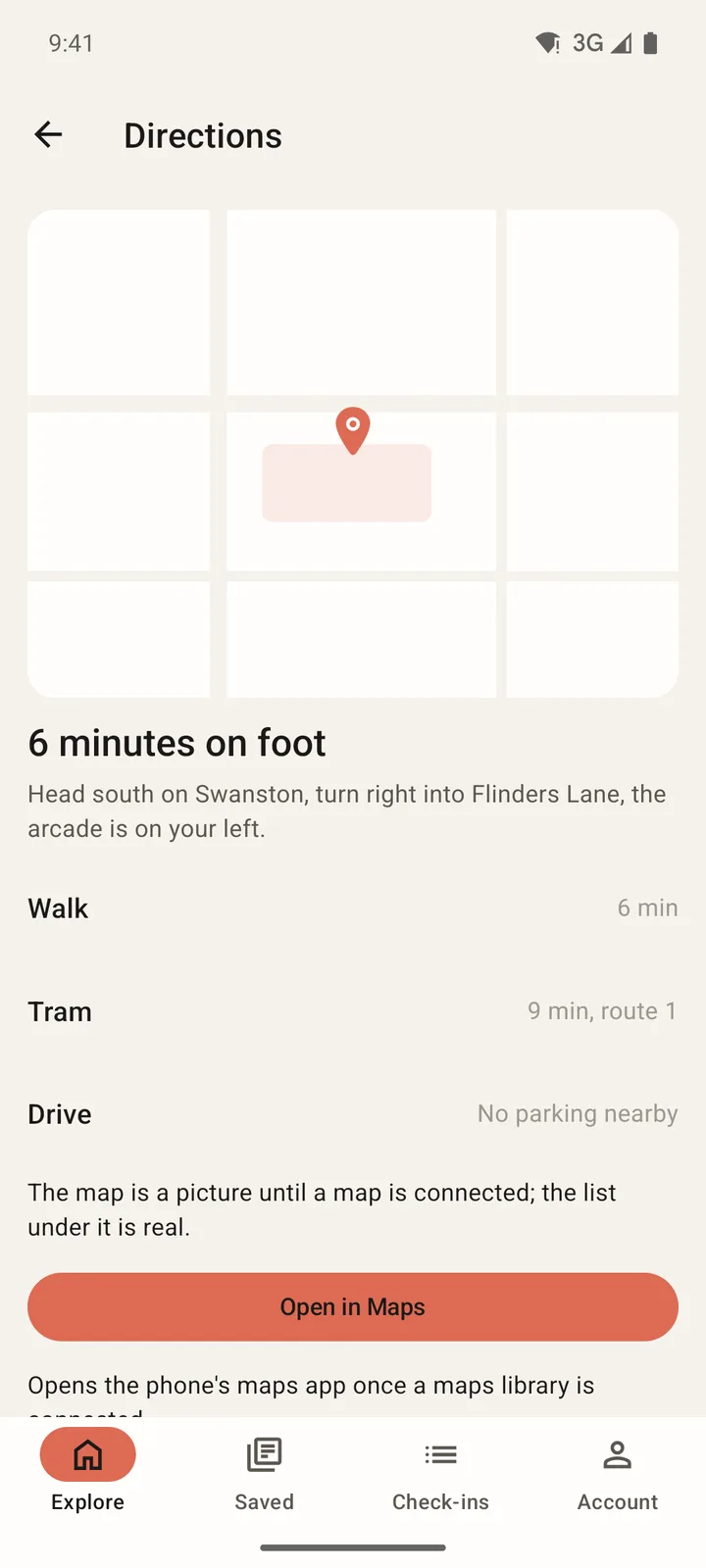
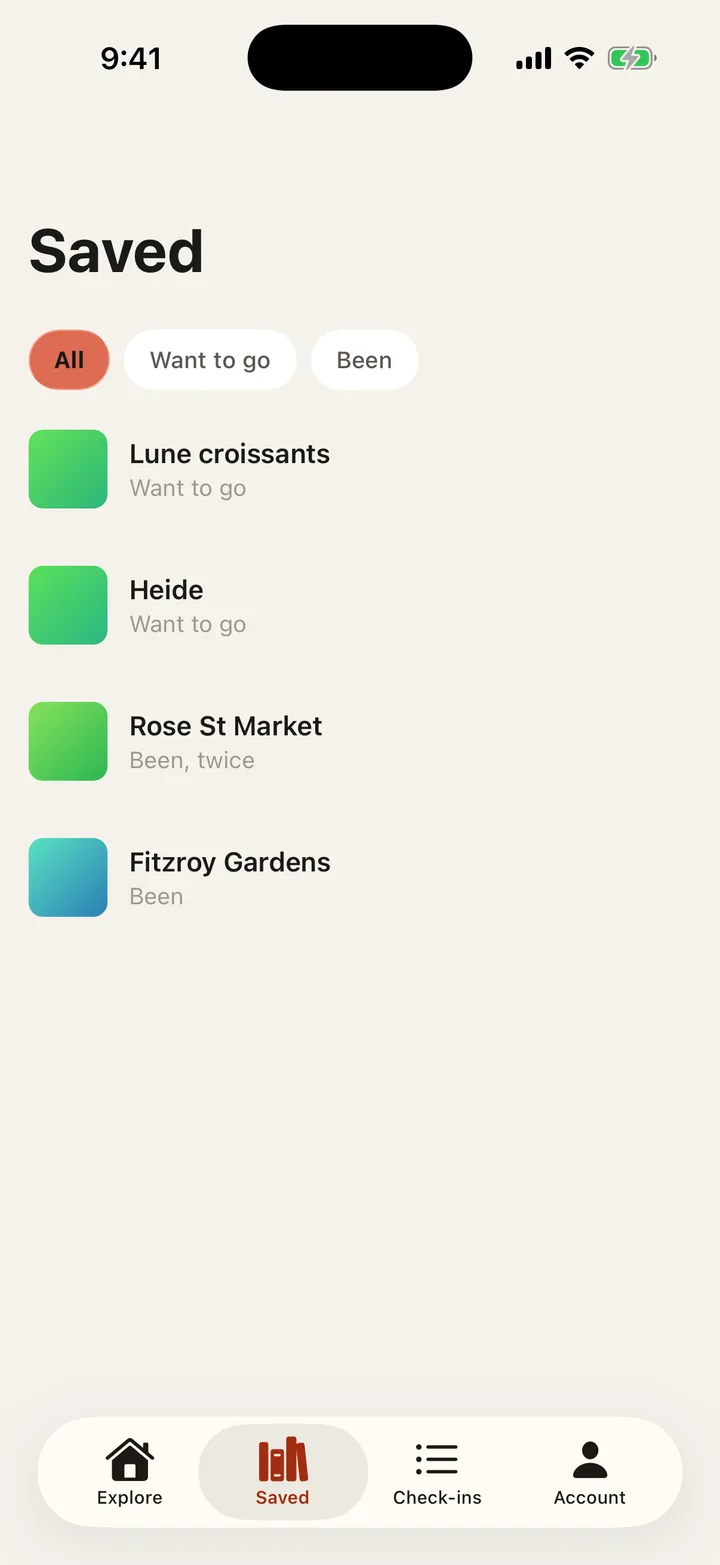
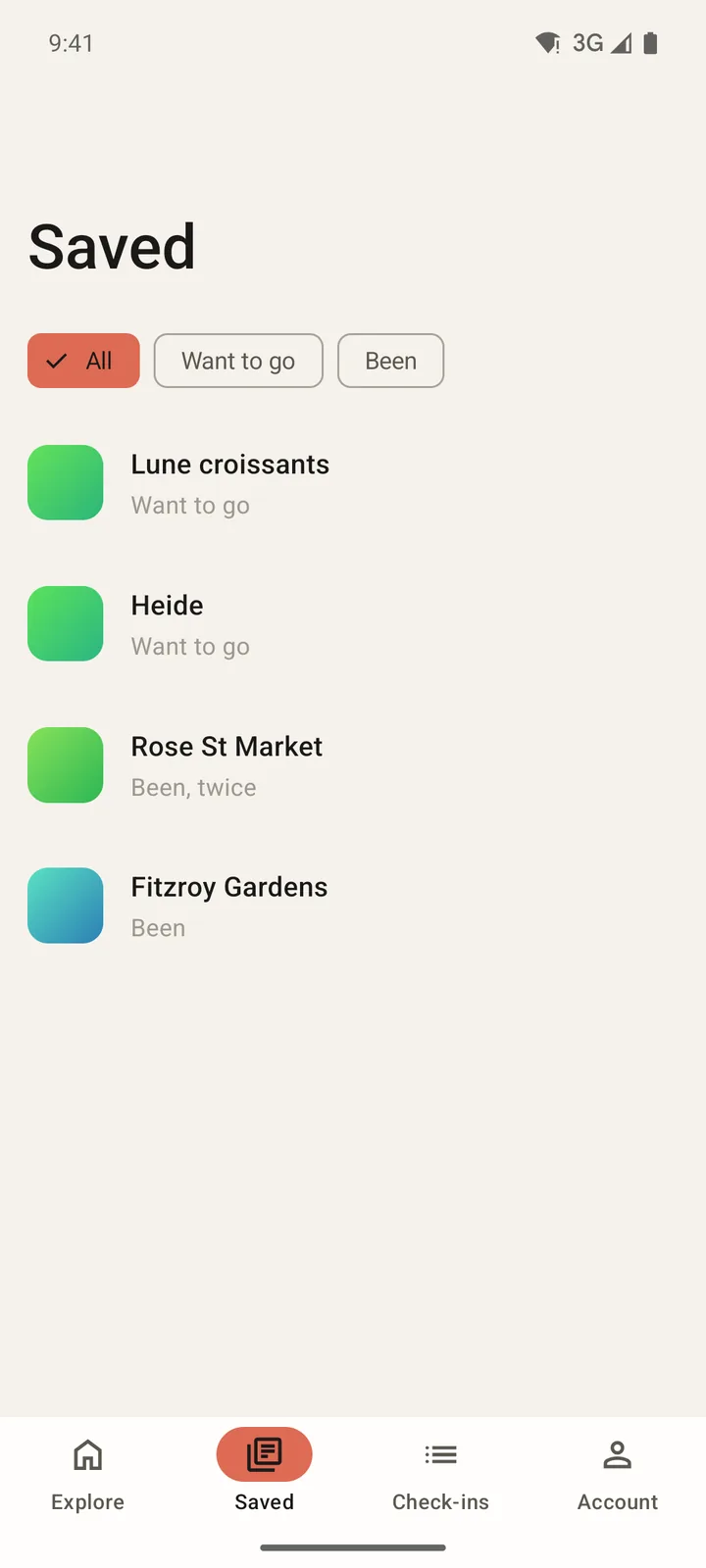
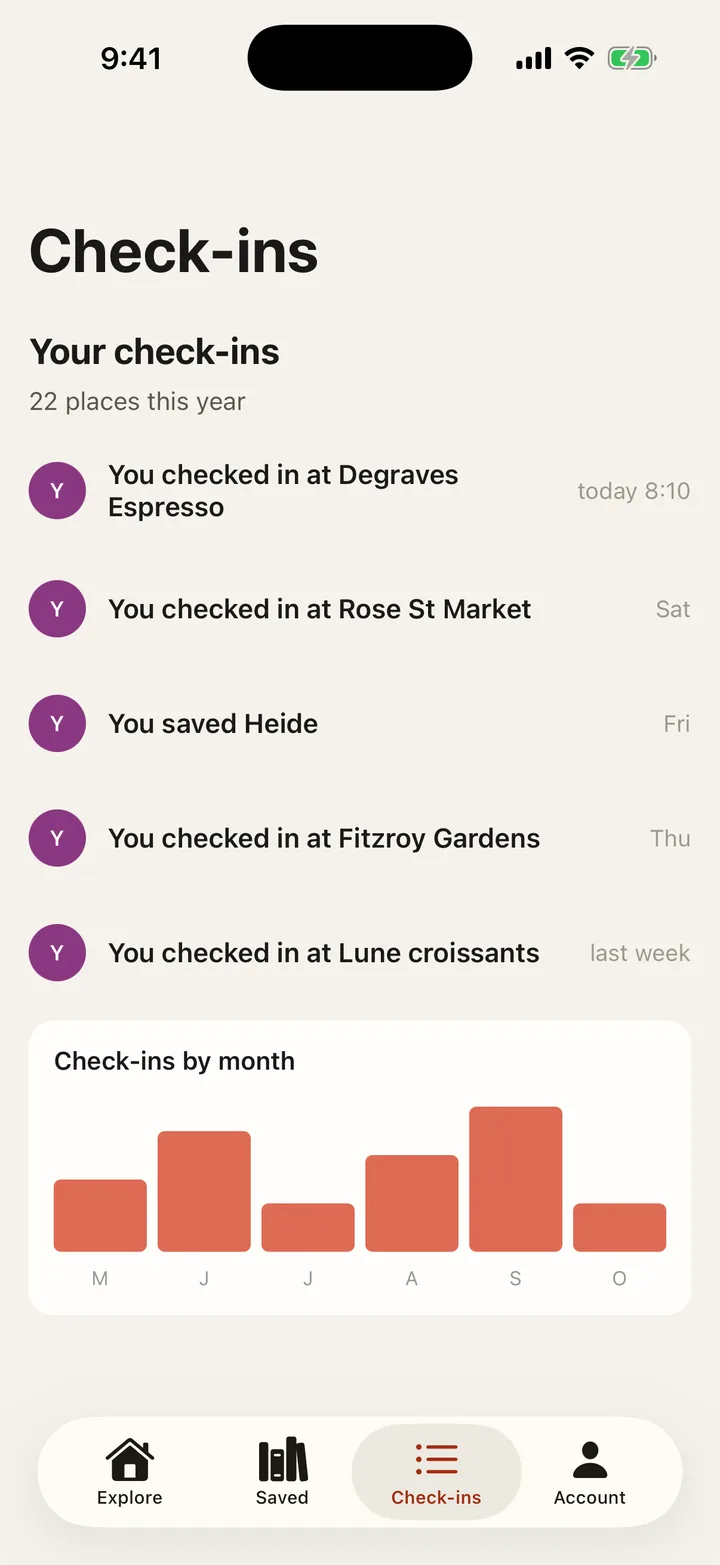
The six screens in the order you reach them: each tab, then the screens it opens. iOS on the left, Android on the right, the built app running on a simulator, last captured on 16 October 2026. Where the design has a sample photo, the built app draws generated art until you add your own.

Light
  1. Laneways: Explore on iOS, light
    Laneways: Explore on Android, light

    Explore

    Tab

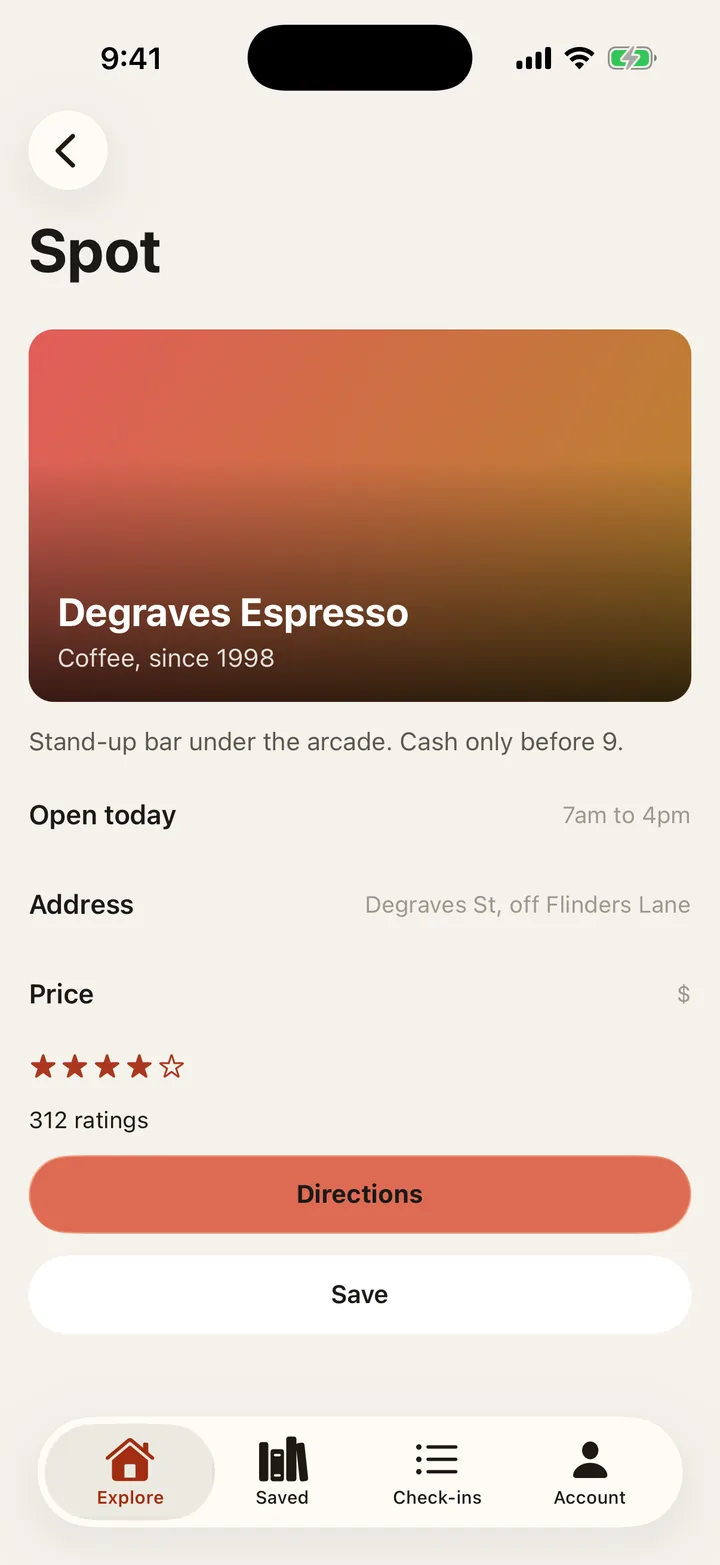
  2. Laneways: Spot on iOS, light
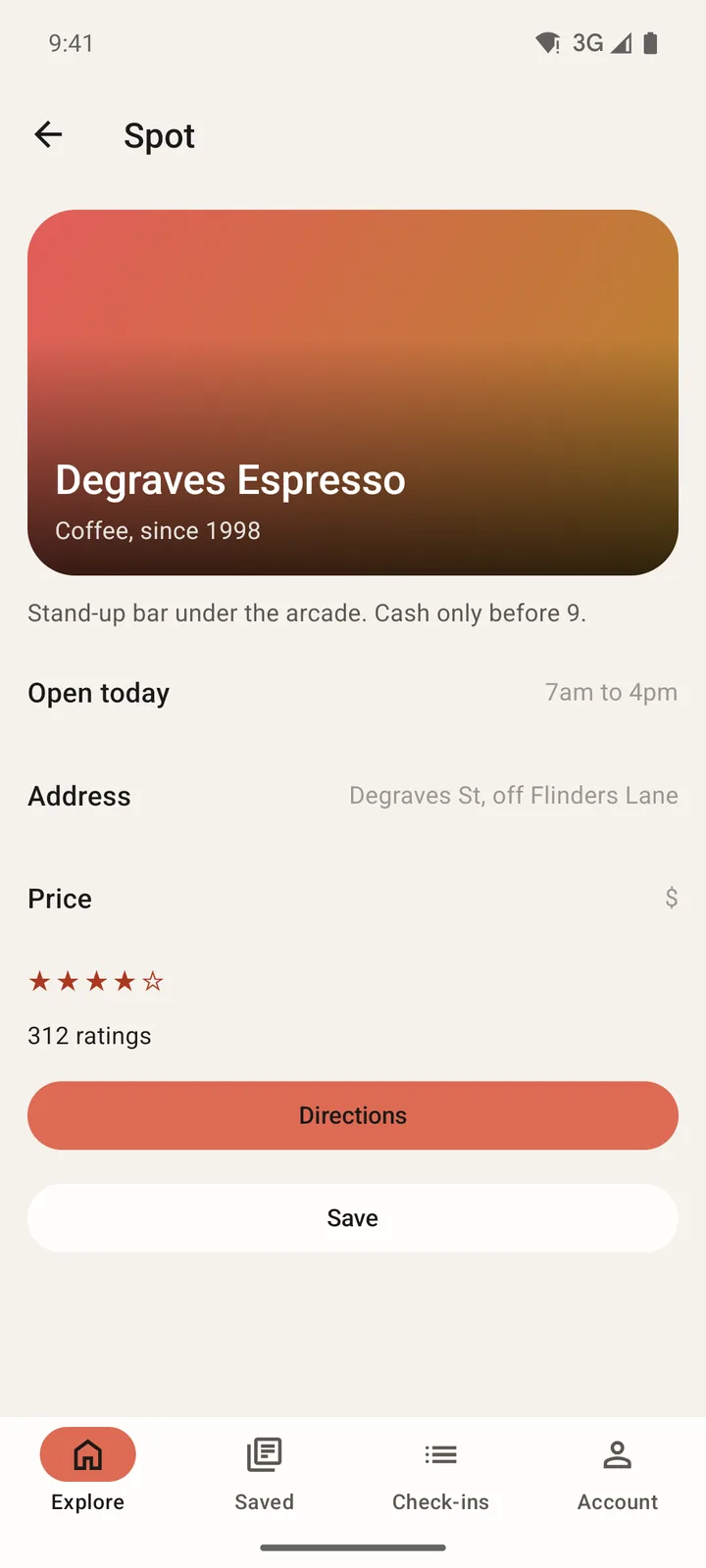
    Laneways: Spot on Android, light

    Spot

    Opens from Explore

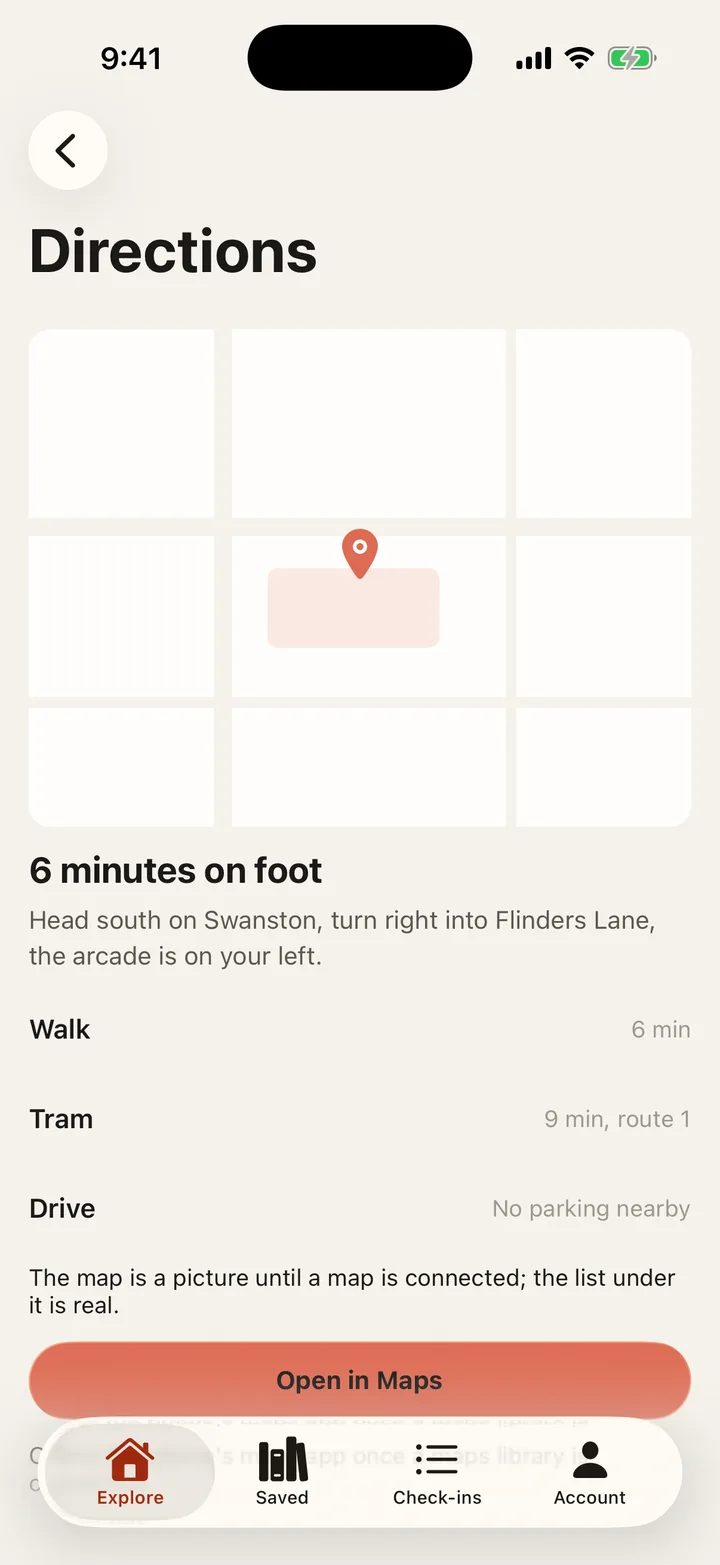
  3. Laneways: Directions on iOS, light
    Laneways: Directions on Android, light

    Directions

    Opens from Spot

  4. Laneways: Saved on iOS, light
    Laneways: Saved on Android, light

    Saved

    Tab

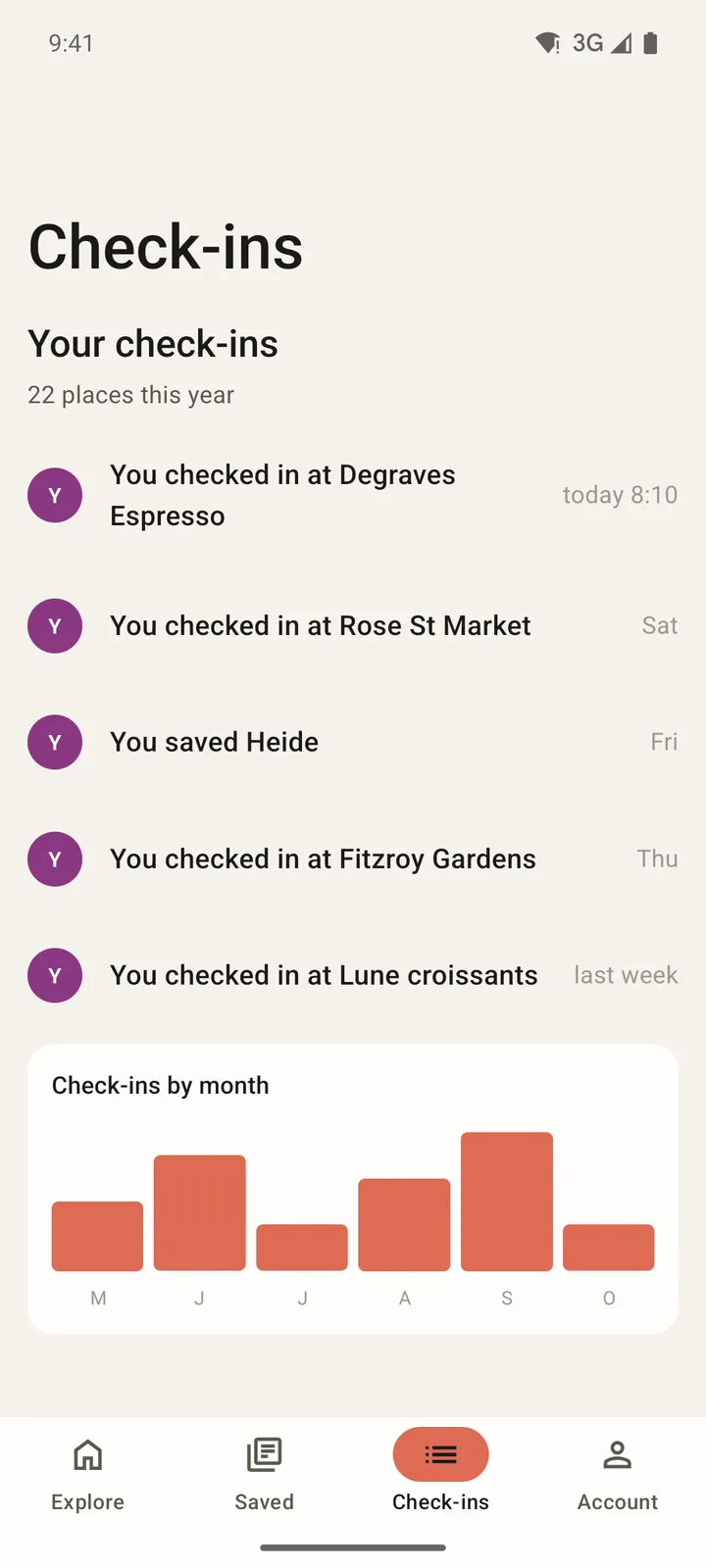
  5. Laneways: Check-ins on iOS, light
    Laneways: Check-ins on Android, light

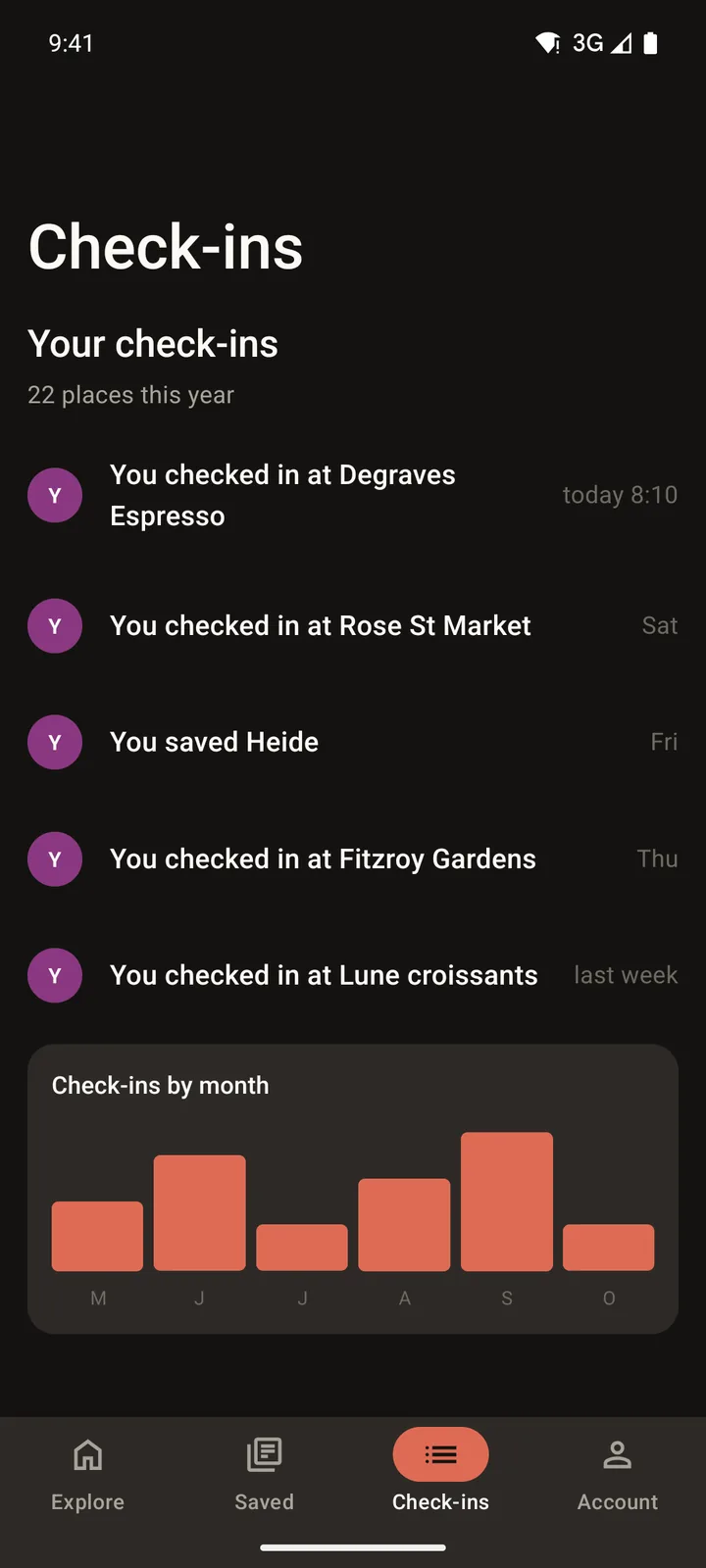
    Check-ins

    Tab

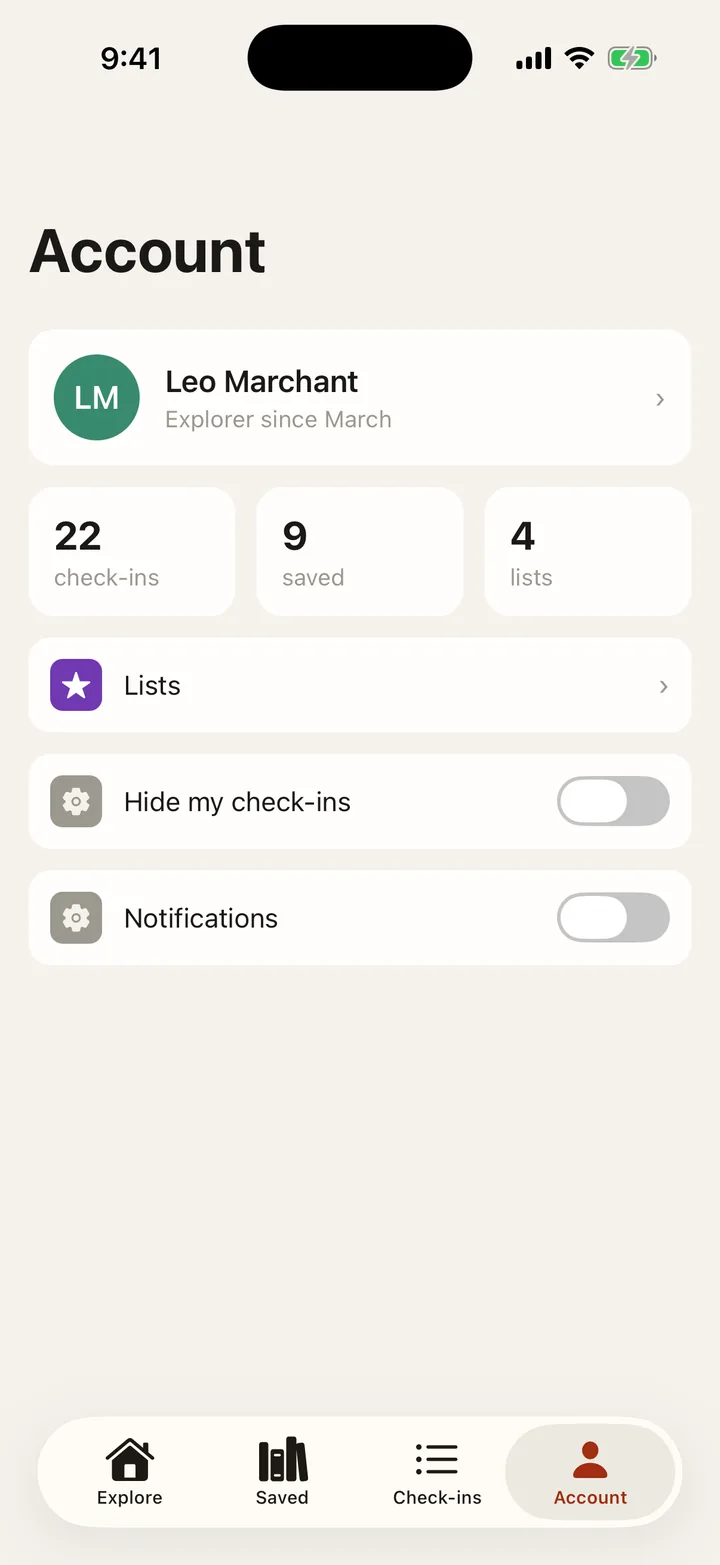
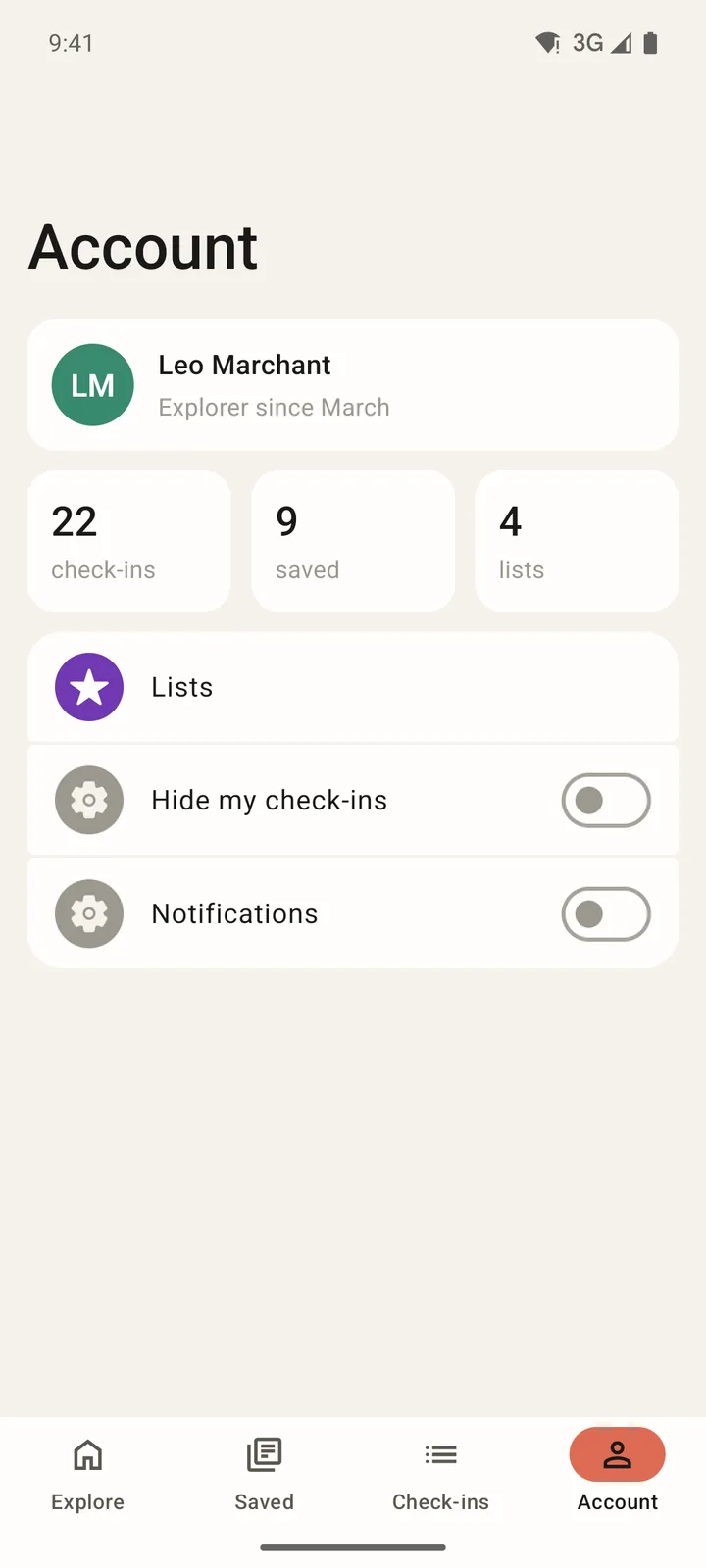
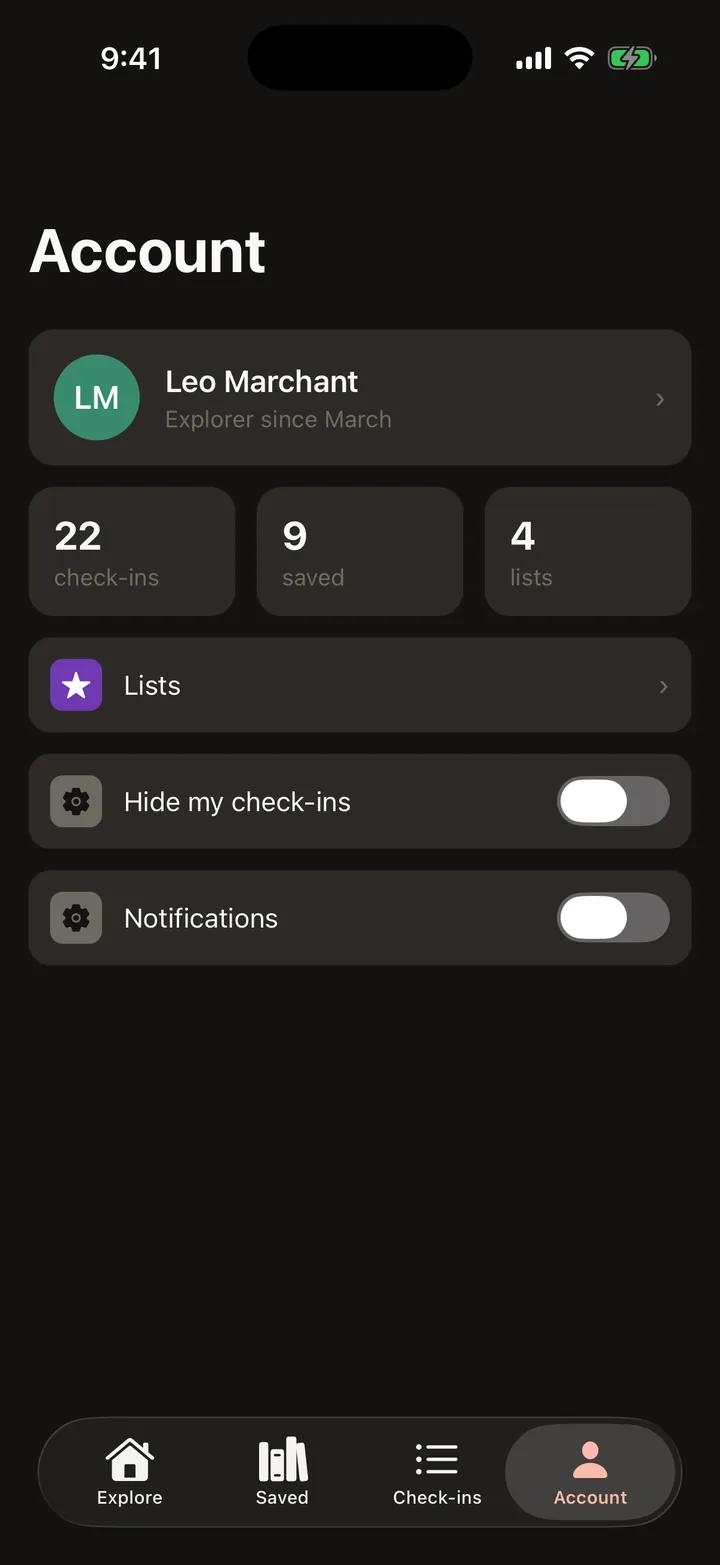
  6. Laneways: Account on iOS, light
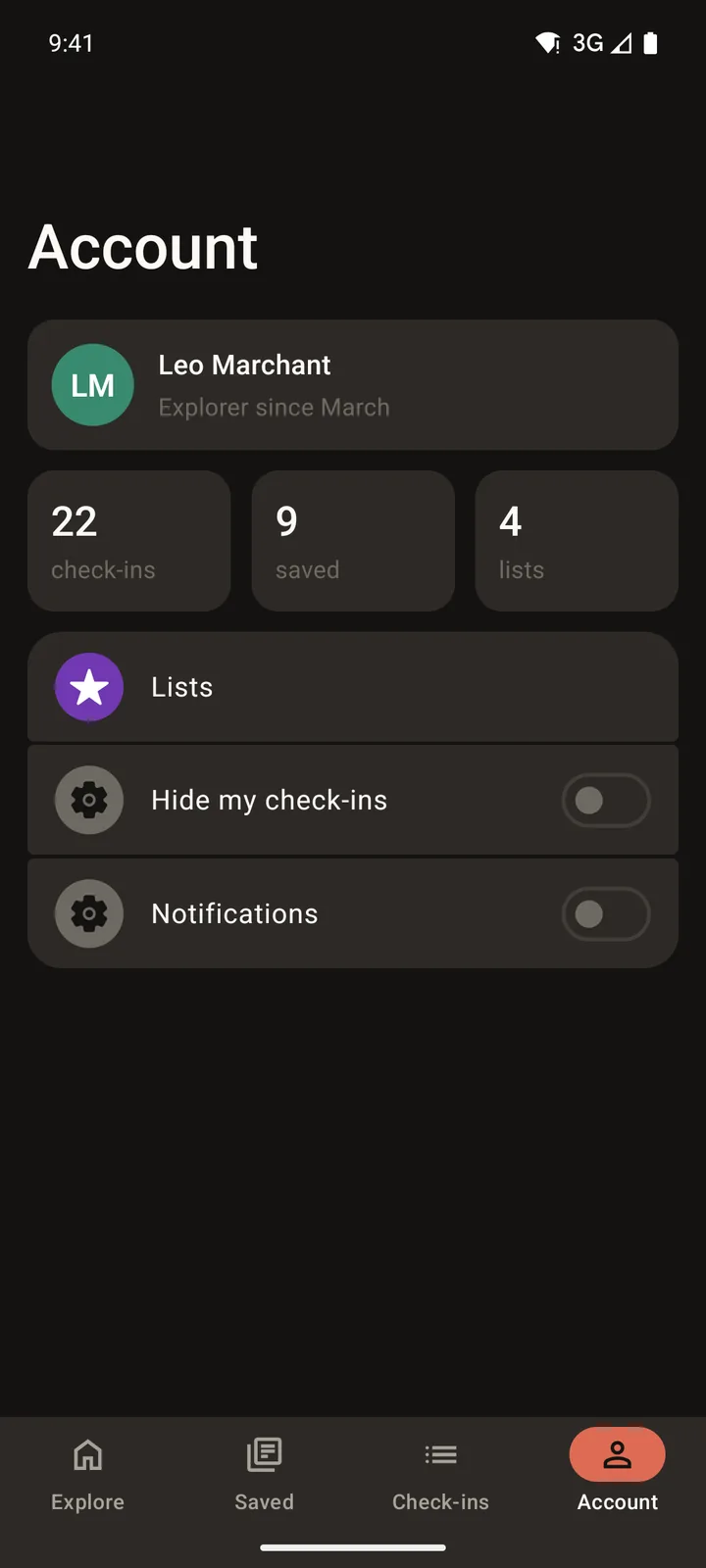
    Laneways: Account on Android, light

    Account

    Tab

Dark

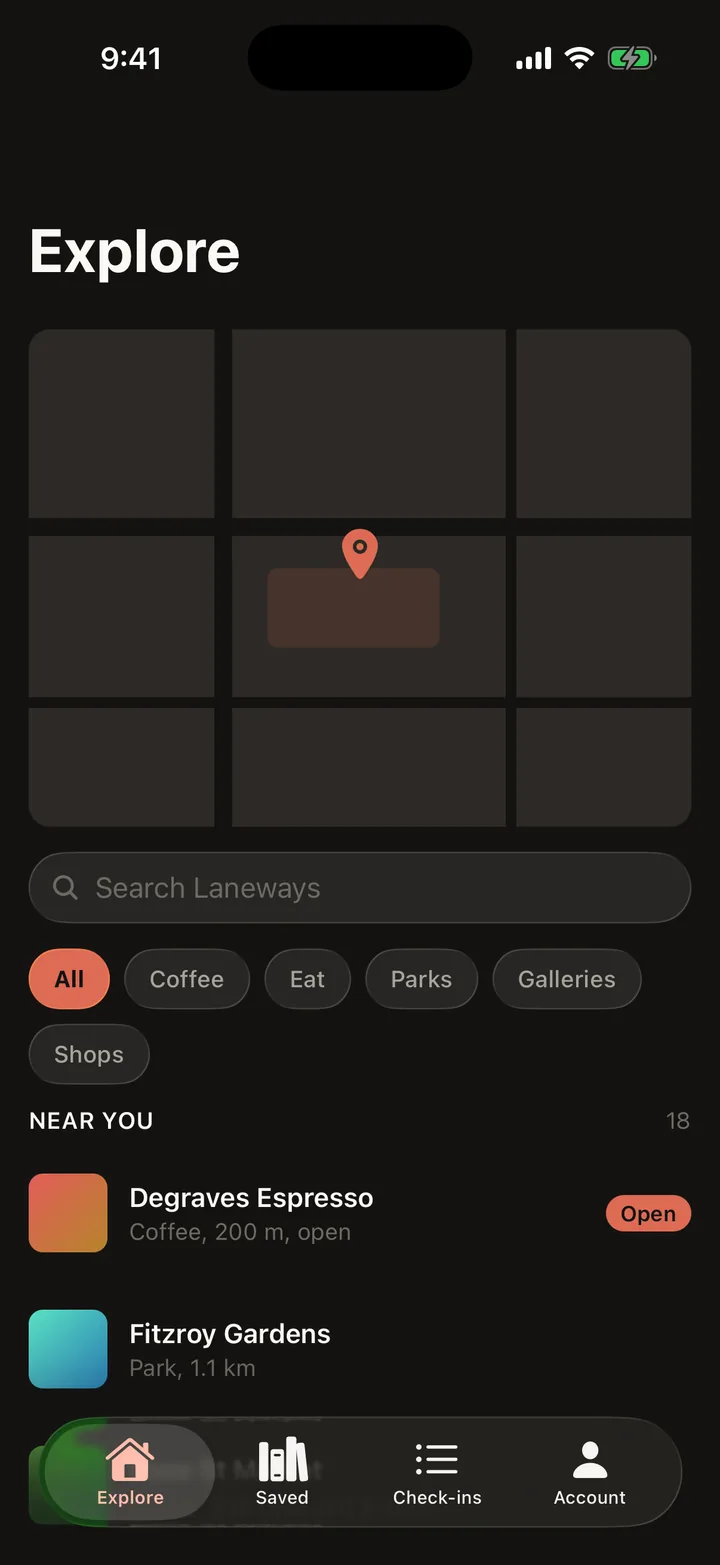
  1. Laneways: Explore on iOS, dark
    Laneways: Explore on Android, dark

    Explore

    Tab

  2. Laneways: Spot on iOS, dark
    Laneways: Spot on Android, dark

    Spot

    Opens from Explore

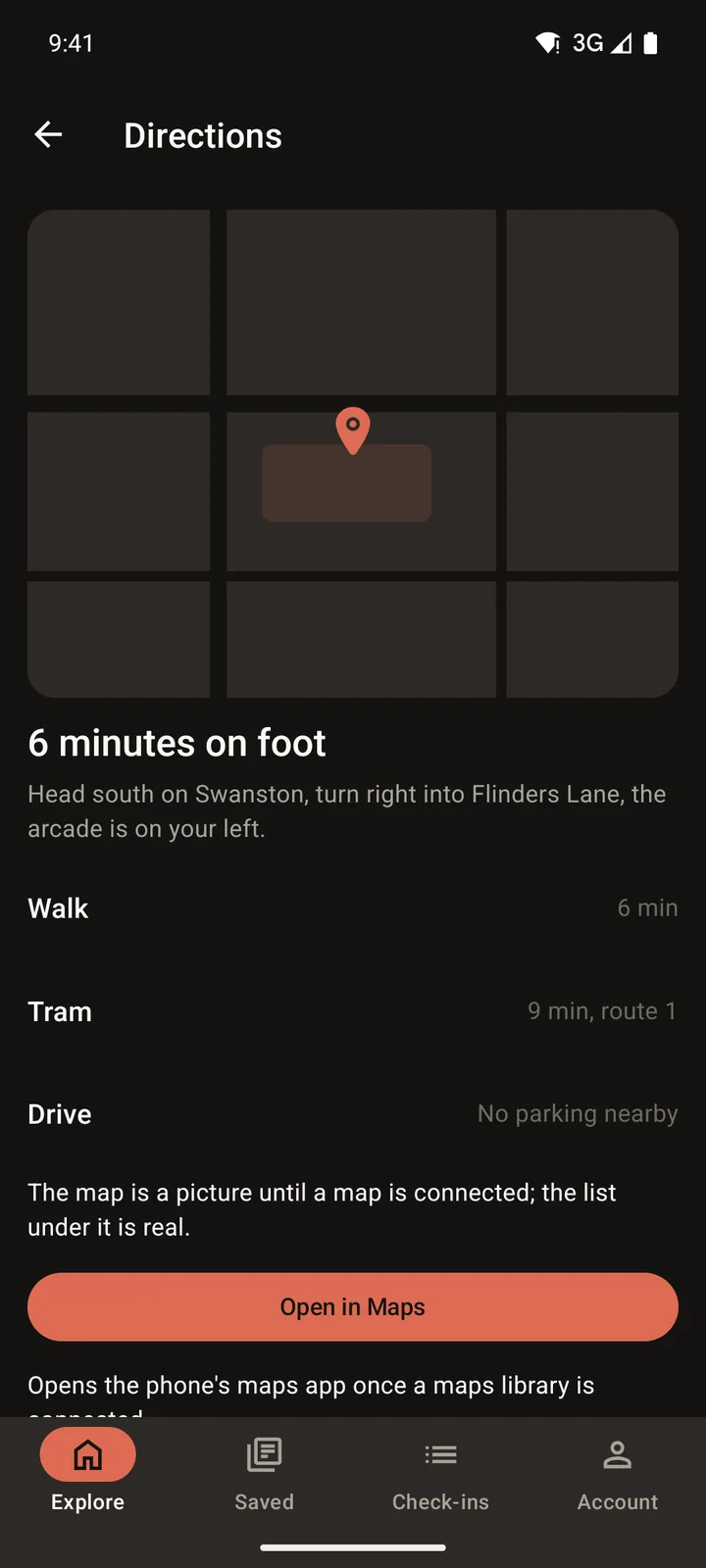
  3. Laneways: Directions on iOS, dark
    Laneways: Directions on Android, dark

    Directions

    Opens from Spot

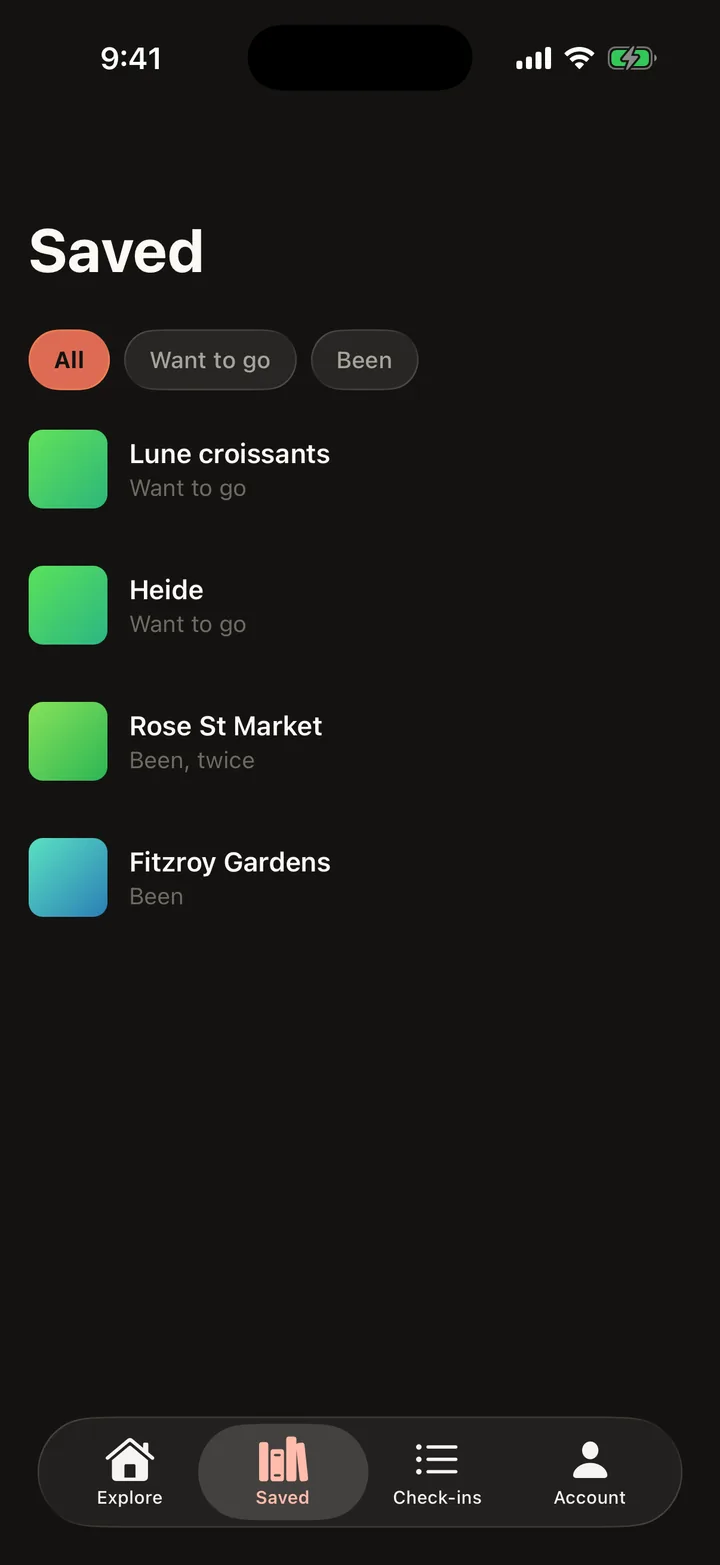
  4. Laneways: Saved on iOS, dark
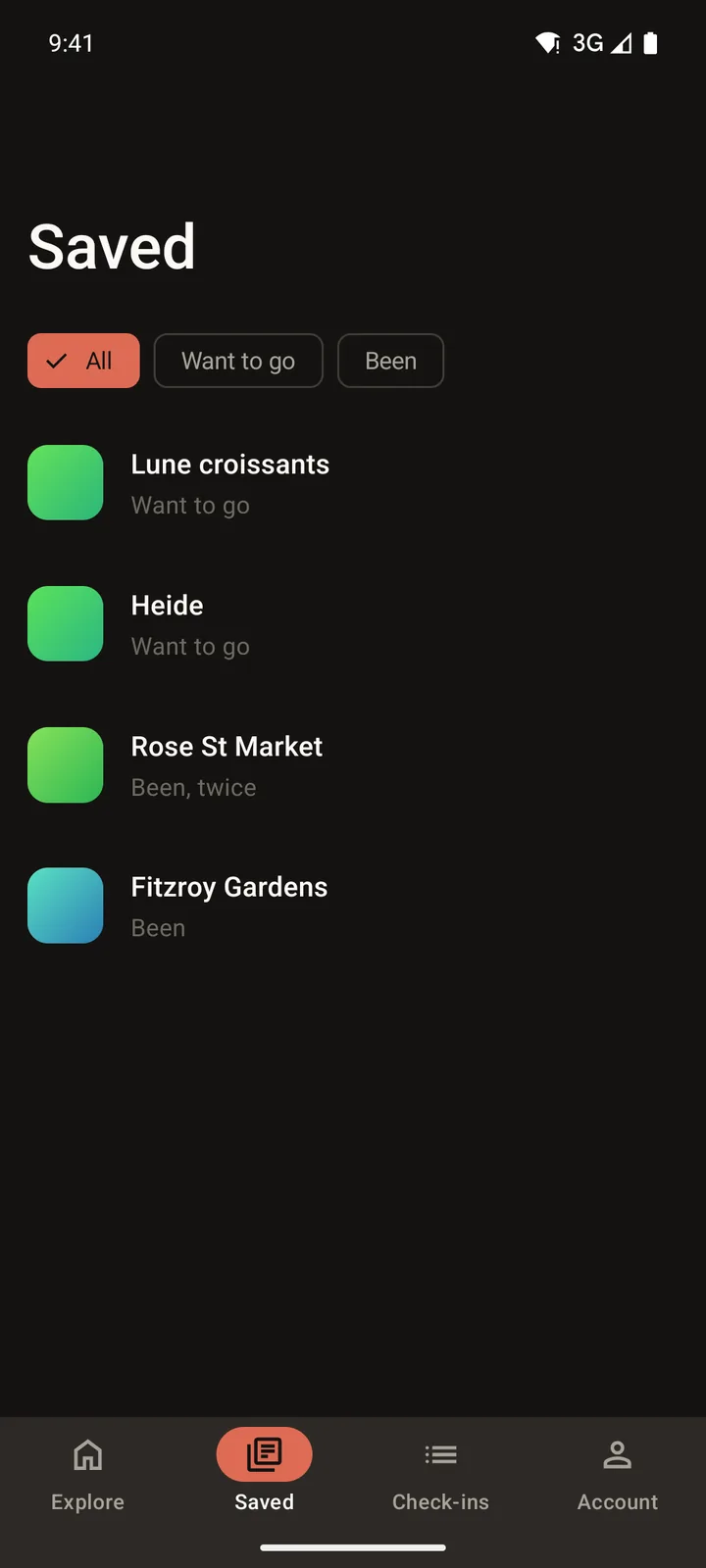
    Laneways: Saved on Android, dark

    Saved

    Tab

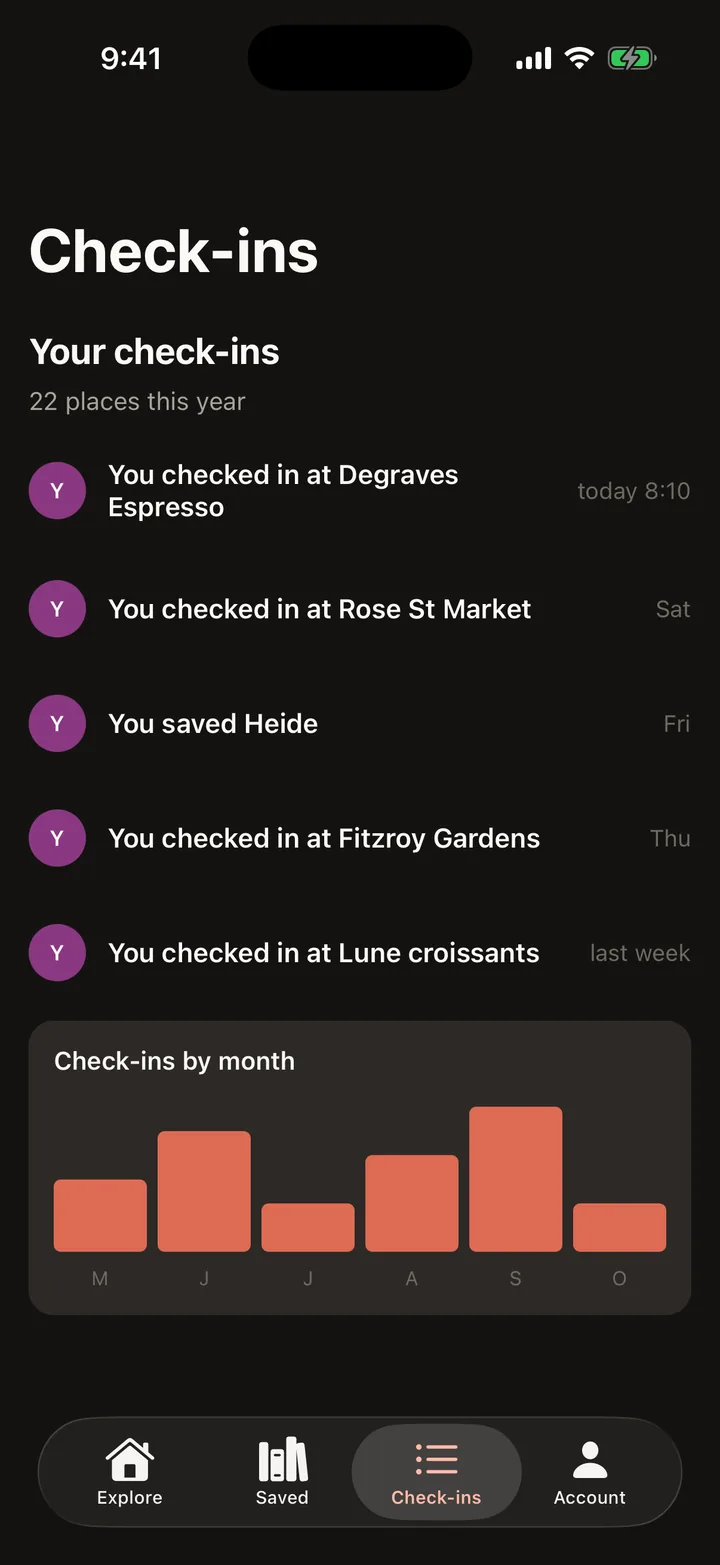
  5. Laneways: Check-ins on iOS, dark
    Laneways: Check-ins on Android, dark

    Check-ins

    Tab

  6. Laneways: Account on iOS, dark
    Laneways: Account on Android, dark

    Account

    Tab

Make it yours. Change anything in the Designer.

Free to design, with a Google or GitHub sign-in. Build my app installs on Android from a link, and building the iOS app yourself needs a Mac with Xcode 26.